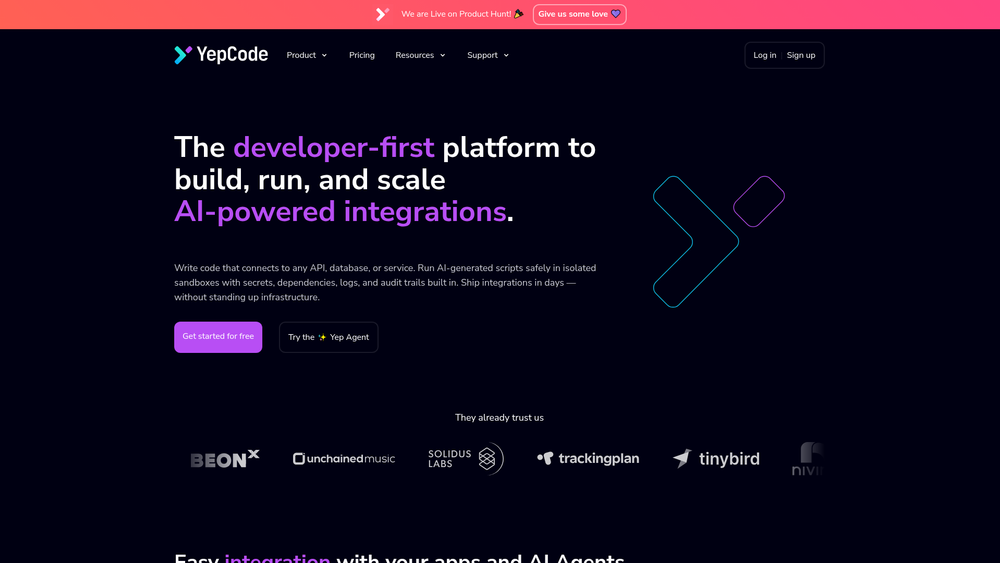
YepCode serves as a robust middleware layer designed for developers who need to implement AI-driven logic within their existing software ecosystems. Rather than building custom infrastructure for every new integration, teams use YepCode to write and run scripts in a managed, secure environment. It effectively bridges the gap between raw AI models and the specific business APIs or databases where that intelligence needs to be applied.
In practice, the platform stands out by prioritizing the developer experience through features like isolated sandboxes and built-in secret management. This allows for the safe execution of both manually written code and AI-generated scripts, providing a layer of trust and observability that is often missing in ad-hoc integration setups. Whether you are automating a simple data sync or orchestrating a complex multi-step AI workflow, the platform provides the scaffolding necessary to move from prototype to production quickly.
Key Features
- Isolated Sandboxes: Every script runs in a dedicated, secure environment to prevent cross-contamination and ensure system stability.
- Yep Agent: An integrated AI assistant that helps developers generate boilerplate code, debug logic, and map data structures between different APIs.
- Model Context Protocol (MCP) Support: Native support for the MCP standard, allowing for more sophisticated interactions between AI models and local or remote data sources.
- Built-in Secret Management: A secure vault for storing API keys, database credentials, and other sensitive information without hardcoding them.
- Comprehensive Audit Trails: Detailed execution logs and history for every run, making it easy to troubleshoot errors and track data movement.
- Pre-built Recipes: A library of templates for common integrations, such as connecting Slack to OpenAI or syncing Stripe data to a database.
- Custom Forms and Landings: The ability to build simple web interfaces that allow non-technical users to trigger complex backend integrations.
- Storeflow Orchestration: A visual management tool for organizing and monitoring data flows across various services and scripts.
How to Use YepCode
- Initialize Your Workspace: Sign up for a YepCode account and create a new project to house your integration logic.
- Configure Connections: Add your external service credentials to the Secrets section so they can be accessed securely within your code.
- Develop Your Logic: Use the online editor to write your integration script in JavaScript or Python, leveraging the Yep Agent for rapid code generation.
- Execute and Debug: Run your script in the sandbox environment, checking the real-time logs to ensure the data is being processed as expected.
- Set Up Triggers: Choose how your integration should be activated, whether through a webhook, a recurring schedule, or a manual form submission.
- Deploy and Monitor: Move your integration to production and use the dashboard to track performance metrics and execution history.
Use Cases
- AI-Enhanced Lead Scoring: Automatically pull new leads from a CRM, process their details through an LLM to assign a quality score, and update the record.
- Automated Customer Support Routing: Analyze incoming support tickets using AI to determine sentiment and urgency before routing them to the appropriate department.
- Dynamic Content Generation: Connect a product database to a generative AI model to automatically create SEO-friendly descriptions for thousands of items.
- Legacy System Modernization: Build modern API wrappers around older databases or services to make them accessible to new AI-powered tools.
- Scheduled Data Summarization: Aggregate daily sales or performance data from multiple sources and use AI to generate a natural language summary for stakeholders.
Pricing
Check the official website for pricing.
FAQ
What is YepCode?
YepCode is a developer-centric platform that provides a managed environment for building, running, and scaling integrations, specifically optimized for AI-powered workflows.
Is YepCode free to use?
Yes, YepCode offers a free tier that allows developers to explore the platform and run a limited number of integrations before committing to a paid plan.
Which programming languages are supported?
The platform primarily supports JavaScript (Node.js) and Python, which are the industry standards for both integration logic and AI development.
How does YepCode handle security?
Security is managed through isolated script execution in sandboxes, encrypted secret management for credentials, and full audit logging of all platform activities.
Can I connect YepCode to any API?
Absolutely. If a service has an API or a database connection string, you can write code in YepCode to interact with it, regardless of whether a pre-built recipe exists.
What is the purpose of the Yep Agent?
The Yep Agent is an AI assistant built into the platform to help developers write integration code faster by generating snippets, suggesting fixes, and mapping data.
Does YepCode support the Model Context Protocol (MCP)?
Yes, YepCode has introduced support for MCP, enabling better communication between AI models and the tools or data they need to access.
Can I trigger integrations via webhooks?
Yes, every integration in YepCode can be exposed as a webhook, allowing it to be triggered by external events from other SaaS platforms or custom applications.