

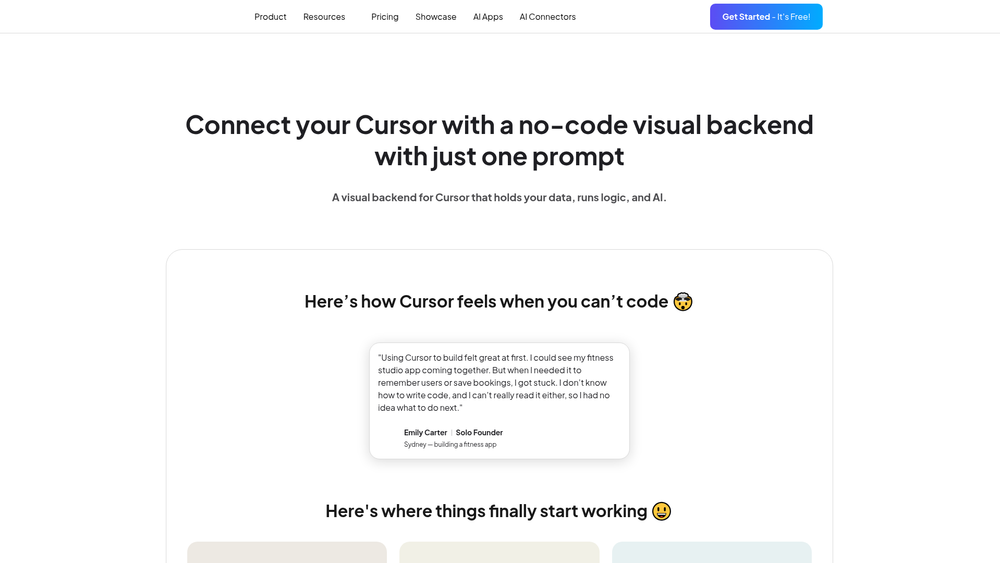
Vibe Architect for Cursor is a specialized visual development layer designed to sit alongside the Cursor IDE, offering a more intuitive way to manage the "invisible" parts of an application. While Cursor excels at generating code, Vibe Architect focuses on the structural logic and data orchestration that often becomes cluttered in a traditional file tree. It essentially gives developers a visual dashboard to build and monitor backends, making the relationship between data, logic, and AI agents much more transparent.
For those working on complex AI-driven applications, this tool serves as a control center. It allows you to move away from purely text-based configuration and toward a node-based architecture where you can see exactly how information flows from a user input to an API and back to the LLM. In practice, this reduces the cognitive load of keeping track of state and context across multiple files. That said, the real power of Vibe Architect lies in its ability to bridge the gap between high-level architectural planning and granular code implementation.
Key Features
- Visual Schema Designer: Create and modify database tables and relationships through a graphical interface that generates the underlying code automatically.
- Node-Based Logic Flow: Build backend processes by connecting functional blocks, which helps in visualizing conditional paths and data transformations.
- Seamless Cursor Integration: The tool is built specifically for the Cursor ecosystem, ensuring that your visual designs stay in sync with your local development environment.
- AI Agent Configuration: Dedicated nodes allow you to define the personality, tools, and data access permissions for AI agents within your app.
- Live Data Inspection: View real-time data passing through your logic flows, which makes identifying bottlenecks or bugs significantly faster than reading logs.
- API Connector Library: Quickly link to external services like Stripe, Twilio, or OpenAI without writing manual fetch requests or handling headers from scratch.
- State Persistence: Manage how your application remembers user interactions and variables across different sessions and logic branches.
How to Use Vibe Architect for Cursor
- Download and install the Vibe Architect extension from the official site or the Cursor marketplace.
- Open your project in Cursor and launch the Vibe Architect panel to initialize your visual workspace.
- Define your data models by dragging "Table" nodes onto the canvas and specifying field types.
- Create a logic flow by connecting a "Trigger" node (like an API request) to various "Action" nodes for processing.
- Insert an "AI" node into your flow to handle natural language processing tasks, feeding it data from previous steps.
- Save your changes to let Vibe Architect update your project files and deploy the backend logic to your local or cloud environment.
Use Cases
- MVP Development: Startups can use the visual builder to wire together a functional backend for a new app idea in a fraction of the time it takes to write boilerplate.
- Complex AI Workflows: Orchestrate multi-step AI tasks where the output of one model needs to be filtered and passed to another tool or database.
- Legacy Code Visualization: Import existing logic to see a visual map of how different parts of an older project interact, aiding in refactoring.
- Internal Tooling: Rapidly build custom dashboards or data processing pipelines for internal company use without distracting the core engineering team from the main product.
- Educational Prototyping: Students or junior developers can use the visual interface to understand backend concepts like middleware and database joins before diving into the code.
Pricing
Check the official website for pricing.
FAQ
What is Vibe Architect for Cursor?
Vibe Architect for Cursor is a visual, no-code backend development tool that integrates directly with the Cursor IDE to help developers build and manage data logic and AI agents.
Is Vibe Architect for Cursor free to use?
The pricing model varies; typically, there is a trial or limited free tier, but you should check the official Momen website for the most current subscription details.
Does it require a specific version of Cursor?
It is designed to work with the latest stable releases of Cursor, but it is worth noting that you should keep both the IDE and the extension updated for the best compatibility.
Can I use my own database?
Yes, the tool supports connecting to various external databases, allowing you to visualize and manage data that isn't hosted directly on the platform.
How does it handle AI prompt engineering?
It provides specific nodes for prompts where you can inject variables from your data flow, making it easier to test how different contexts affect AI responses.
Is the generated code clean?
The tool focuses on producing readable, standard code that follows best practices, so you aren't locked into a proprietary format if you decide to move away from the visual editor.
Can multiple people work on the same flow?
Depending on your plan, it often supports collaborative features where team members can view and edit the visual logic in real-time.
Does it support deployment to production?
Yes, once your logic is finalized in the visual editor, you can deploy it to various cloud environments directly through the interface.



