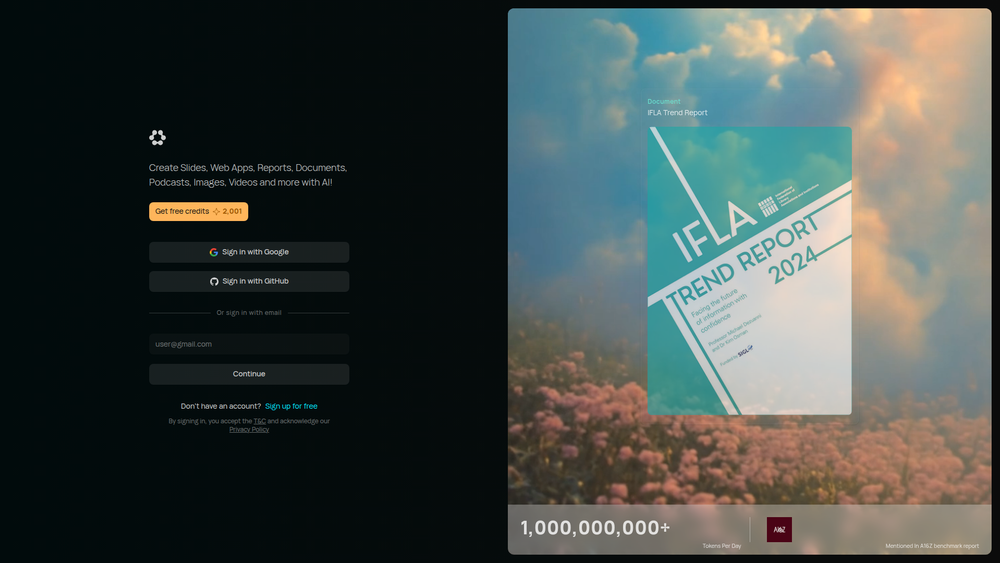
Runable is a powerful, general-purpose AI agent designed to execute a vast array of digital tasks from a single, unified platform. It moves beyond simple content generation by acting as a digital collaborator that can build web applications, design presentations, draft reports, and produce multimedia content like images, videos, and podcasts. By integrating with thousands of your existing applications, Runable functions as a central command hub for your digital work, translating natural language requests into complex, multi-step actions.
The primary benefit of Runable is its ability to dramatically enhance productivity and streamline workflows for a wide range of users, including developers, marketers, business professionals, and content creators. Instead of juggling multiple specialized tools, users can delegate tasks to Runable, saving significant time and reducing cognitive load. It empowers individuals and teams to automate repetitive processes, accelerate project timelines, and focus on high-level strategy rather than tedious execution.
Runable's value lies in its unique combination of creation and connection. It doesn't just generate an asset; it can manage the entire lifecycle of a task—from research and creation to distribution and reporting—by leveraging the tools you already use. This makes sophisticated automation accessible to everyone, regardless of their technical expertise, turning complex project requirements into simple, conversational instructions.
Features
- AI Agent Task Execution: Acts as a true AI agent that understands complex commands and executes multi-step tasks across various applications. For example, it can research a topic, write a report, create a slide deck from the report, and email it to your team.
- Seamless App Integration: Connects with thousands of popular apps for project management, communication, CRM, and more. Simply ask Runable to perform actions within apps like Slack, Trello, Salesforce, or Google Workspace.
- Multi-Modal Content Creation: Generate a wide variety of content formats from a single prompt, including business reports, presentations, blog posts, images, promotional videos, and even podcasts.
- No-Code Web App Development: Build functional web applications and prototypes simply by describing your requirements in plain English. This feature is ideal for entrepreneurs and developers looking to accelerate the prototyping phase.
- Automated Media Production: Create a suite of visual and audio assets on demand. Generate custom images for social media, produce short videos from scripts, and convert text into podcasts, all within one interface.
- Web Automation and Data Extraction: Automate tasks on the web, such as filling out forms, scraping data from websites, and monitoring information, all orchestrated through simple instructions.
- Conversational Interface: Interact with the platform using natural language. There's no need to learn complex syntax or coding; if you can describe the task, Runable can execute it.
How to Use
- Connect Your Tools: After signing up, navigate to the integrations section. Securely connect Runable to your most-used applications like Google Drive, Slack, Gmail, and others. This step is crucial for enabling task automation.
- Formulate a Clear Request: Be specific and detailed in your prompt. Instead of saying "Make a presentation," try "Create a 10-slide presentation on the Q3 marketing performance using data from the attached 'Q3_Data.csv' file. Include a title slide, an agenda, and a summary slide."
- Provide Necessary Context: Upload any relevant files, documents, data, or brand guidelines that the AI agent needs to complete the task accurately. The more context you provide, the better the result.
- Execute and Monitor: Give the command to Runable. You can observe its progress as it works through the steps and interacts with your connected apps to complete the request.
- Review and Refine: Once the initial task is complete, review the output. If it needs changes, you can provide feedback conversationally. For instance, say "Change the color scheme of the slides to blue and gray" or "Rewrite the introduction to be more formal."
Use Cases
- Automated Business Reporting: A business analyst can ask Runable to "Connect to our Salesforce account, pull the sales data for the last quarter, analyze the top-performing regions, generate a PDF report with charts, and share it in the #management Slack channel."
- Rapid Content Campaign Creation: A marketing manager can instruct Runable, "Write a blog post about the benefits of AI in marketing. Then, create three Twitter posts and a LinkedIn post summarizing the article. Generate a unique header image for the blog and each social media platform."
- Fast-Track Web Prototyping: An entrepreneur with an idea can command Runable, "Build a landing page for a new productivity app. It should have a hero section with a sign-up form, a features section with three columns, and a simple footer. Use a modern and clean design."
- Meeting Preparation and Follow-up: A project manager can automate meeting workflows by saying, "Summarize the attached meeting transcript into key decisions and action items. Create tasks for each action item in Asana and assign them to the relevant team members with a deadline of next Friday."
FAQ
How is Runable different from a standard AI chatbot like ChatGPT?
Runable is an AI agent, not just a chatbot. While chatbots excel at generating text and answering questions, Runable is built for action. It integrates with your other software to execute tasks, manipulate data, and manage workflows, effectively acting as a digital assistant that can 'do' things for you.
Is my data secure when I connect my apps?
Yes, Runable uses industry-standard security protocols like OAuth 2.0 to connect to your apps. This means it never sees your passwords and only has access to the specific permissions you grant it, ensuring your data remains secure and private.
What if Runable makes a mistake or the output isn't right?
Runable is designed for iteration. If the output isn't what you expected, you can provide corrective feedback in plain English. For example, you can say "That's not the right data, please use the file from this morning" or "Make the tone of the document more casual." The agent will then revise its work based on your guidance.
Can Runable handle very complex, multi-day projects?
Runable is best suited for executing well-defined tasks and automating workflows that can be completed in a single session. For very complex, long-term projects, it is best used as a powerful tool to accelerate individual components of the project, such as generating initial code, drafting documents, or creating media assets.
What kind of apps can I integrate with Runable?
Runable supports thousands of applications across numerous categories, including project management (Trello, Asana), communication (Slack, Gmail), cloud storage (Google Drive, Dropbox), CRM (Salesforce, HubSpot), social media, and more.
Do I need coding skills to use Runable?
No, you do not need any coding skills. Runable is built to be operated entirely through natural language commands. Its purpose is to make the power of automation and development accessible to everyone, regardless of technical background.