

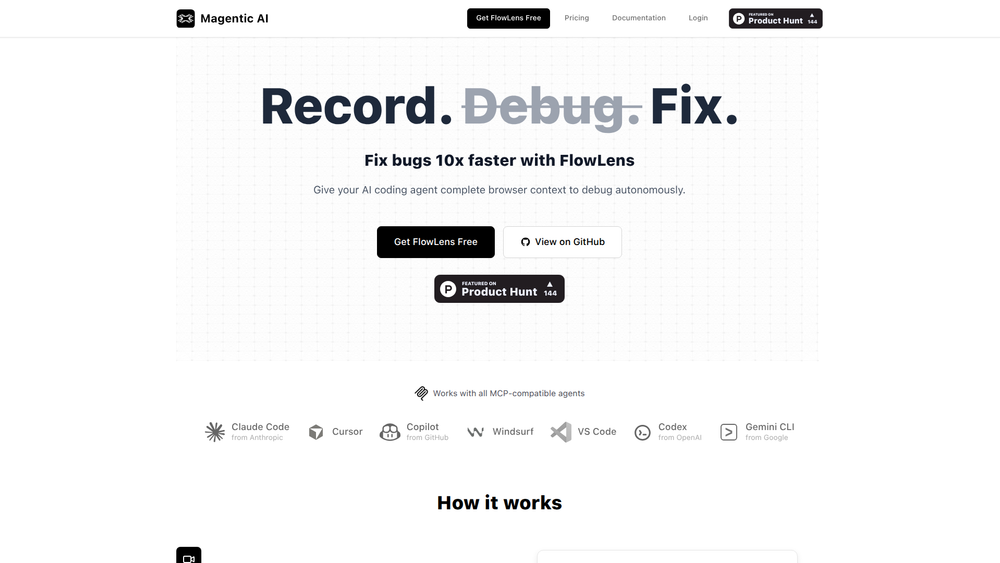
FlowLens is a specialized tool designed to automate bug reporting by capturing the full context of an issue for AI coding agents. Its primary purpose is to eliminate the tedious and often incomplete process of manual bug documentation. By automatically recording everything that happens during a user session—from console logs and network requests to user interactions—FlowLens provides a complete, reproducible snapshot of a bug the moment it occurs.
This tool is invaluable for software development teams, individual developers, and QA testers who leverage AI to accelerate their workflows. The key benefit is a dramatic reduction in debugging time. Instead of spending hours trying to reproduce a bug or deciphering vague user reports, developers can feed the rich, contextual data directly to an AI agent like GPT-4 or Claude. This enables the AI to understand the problem deeply and propose accurate solutions almost instantly, streamlining the entire development lifecycle.
Features
- Automated Session Recording: Automatically captures a complete recording of the user's session, including all interactions leading up to an error, without manual intervention.
- Full Context Capture: Gathers comprehensive diagnostic data, including console logs (errors, warnings), network requests (API calls, statuses), and detailed environment information (browser, OS).
- AI Agent-Ready Output: Formats the captured bug context into a clean, concise report specifically designed to be pasted into the prompt of any AI coding agent for immediate analysis and debugging.
- Visual Session Replay: Provides a video-like playback of the user's journey, allowing developers to visually understand how a bug was triggered, step-by-step.
- One-Click Bug Reporting: Empowers end-users or QA testers to report issues with a single click, which automatically packages and sends the full session context.
- Framework Agnostic Integration: Easily integrates with any modern web application by simply adding a small JavaScript snippet, requiring minimal setup and configuration.
- Privacy-Focused Data Handling: Ensures sensitive user information is automatically redacted or can be configured for masking to maintain user privacy and data compliance.
How to Use
- Install the Snippet: Sign up for FlowLens and get your unique JavaScript snippet. Add this snippet to the
<head>section of your web application. - Configure Triggers: By default, FlowLens automatically captures sessions when an unhandled JavaScript error occurs. You can also configure it to trigger manually via an API call for reporting non-critical bugs.
- Capture a Bug: Let the tool run in the background. When a user encounters a bug, the session data is automatically captured and sent to your FlowLens dashboard.
- Review the Report: Navigate to the bug report in your dashboard. Here you will find the session replay, logs, and network traffic all in one place.
- Copy Context for AI: Click the 'Copy for AI' button. This copies a perfectly formatted summary of the bug, including code snippets, logs, and user actions, to your clipboard.
- Get the Fix: Paste the copied context into your preferred AI coding agent (e.g., GPT-4, Claude, Gemini) and ask it to analyze the bug and provide a solution.
Use Cases
- Accelerated Debugging: A developer receives a bug ticket that is hard to reproduce. Instead of spending hours trying to replicate the issue, they open the FlowLens report, copy the context, and give it to an AI agent. The AI identifies the root cause in minutes, providing a code fix that the developer can implement immediately.
- Streamlined QA Workflow: A QA tester finds a visual glitch that only happens on a specific screen size. Instead of writing a long report with screenshots and reproduction steps, they simply click the 'Report Bug' button powered by FlowLens. The entire session context is captured, allowing developers to see the exact issue without back-and-forth communication.
- Efficient Customer Support: A customer reports a problem through a support channel. The support agent can look up the user's session in FlowLens, watch the replay to understand the issue, and forward the technical context directly to the engineering team or an AI agent for a rapid resolution, improving customer satisfaction.
- Onboarding AI Agents: When a team adopts a new AI coding agent, they can use past bug reports from FlowLens as a training dataset. This helps the AI learn the application's specific architecture and common pitfalls, making its future suggestions more accurate and relevant.
FAQ
What is FlowLens?
FlowLens is an automated bug reporting tool that captures the complete technical context of a user session—including a visual replay, console logs, and network requests—and formats it for analysis by AI coding agents.
How is FlowLens different from tools like Sentry or LogRocket?
While tools like Sentry focus on error aggregation and LogRocket on session replay, FlowLens is uniquely designed to bridge the gap between bug capture and AI-driven resolution. It specializes in packaging the data in an optimal format for large language models to understand and debug effectively.
Which AI models can I use it with?
FlowLens is model-agnostic. The 'Copy for AI' feature generates a plain text context report that you can paste into any AI chat interface, including OpenAI's GPT-4, Anthropic's Claude, Google's Gemini, or any other coding assistant.
Is it difficult to set up?
No, the setup process is designed to be simple. It involves pasting a single JavaScript snippet into your application's HTML, which typically takes less than five minutes.
Does it impact website performance?
The FlowLens script is lightweight and optimized for performance. It runs asynchronously and uses efficient data collection methods to minimize any impact on your application's load time and runtime performance.
Can I control what data is captured?
Yes, FlowLens includes features for data privacy and security. You can configure it to automatically block or mask sensitive elements, ensuring that personally identifiable information (PII) or other confidential data is never captured.
Can I report bugs manually?
Absolutely. In addition to automatically capturing uncaught errors, you can use the FlowLens API to trigger bug reports manually. This is useful for reporting UI bugs, unexpected behavior, or other issues that don't generate a console error.



