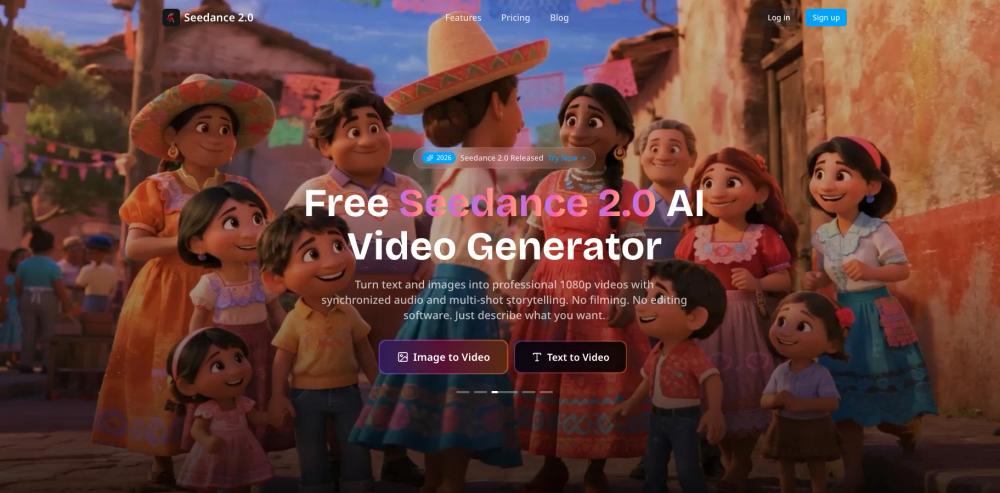
Seedance 2.0 is a multi-model platform for generating high-definition AI video from text descriptions or static images. It acts as a central hub where users can access different video models like Sora and Veo alongside the proprietary Seedance engine. This setup is used by content creators and marketing teams to produce professional footage without the need for cameras or traditional editing software.
The tool handles the complex task of motion synthesis and rendering, allowing you to focus on the narrative. It supports 1080p output and automatically generates synchronized audio that fits the visual scene. In practice, this helps small teams create social media content or cinematic sequences that would otherwise require a full production budget.
Key features
- Multi-model access including Sora, Veo 3, and Seedance engines
- Text-to-video generation with support for detailed 1080p output
- Image-to-video animation that adds natural motion to still photos
- Reference-to-video tools to control character style and camera movement
- Video extension capabilities that add 15 seconds of consistent footage
- AI video editing for swapping characters or objects in existing scenes
- Beat-sync technology that automatically cuts video to a rhythm track
- Multi-shot storytelling for building complex narrative sequences
How to use
- Select a generation mode like Text to Video or Image to Video from the main dashboard.
- Type a detailed prompt describing the action, lighting, and camera angles you want.
- Upload a reference image or video if you need the AI to follow a specific visual style.
- Choose the specific AI model you want to use for the generation process.
- Click the generate button and wait for the platform to render the 1080p clip with audio.
- Use the video extension or editing tools to refine the length or content of your final video.
Use cases
- Creating a cinematic sci-fi trailer by describing cosmic portals and specific lighting effects.
- Animating a static fashion photo into a dynamic street-chase advertisement for social media.
- Generating a music video where scene transitions happen exactly on the beat of a provided audio track.
- Extending a short 5-second clip into a longer narrative while maintaining character consistency.
- Swapping a character's outfit or adding new objects to a scene using the AI editing tool.
Pricing
Check the official website for current pricing and subscription plans.
FAQ
What is Seedance 2.0?
It is an AI platform that lets you create and edit 1080p videos using text prompts, images, or reference clips.
Is Seedance 2.0 free?
The platform offers free generation options, though premium models and higher resolutions typically require a paid subscription.
Which AI models are available?
You can use the Seedance engine as well as third-party models like Sora 2 and Veo 3.
Can I add audio to my videos?
Yes, the AI automatically generates and synchronizes audio tracks that match the visual content of your video.
How long can the videos be?
You can generate initial clips and then use the extension tool to add 15-second segments to the footage.
Can I edit existing video files?
Yes, the AI Video Editing feature allows you to change characters or rewrite the plot of existing footage.