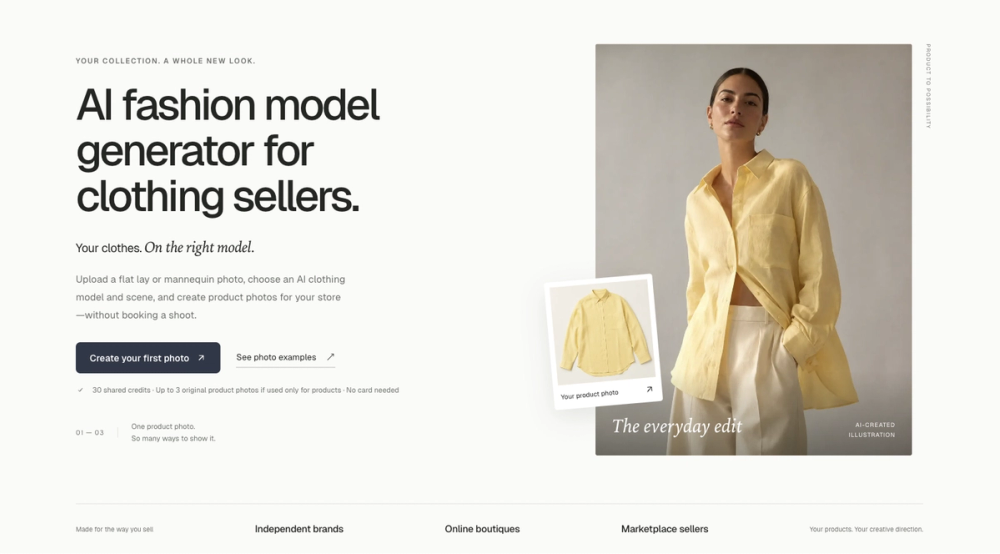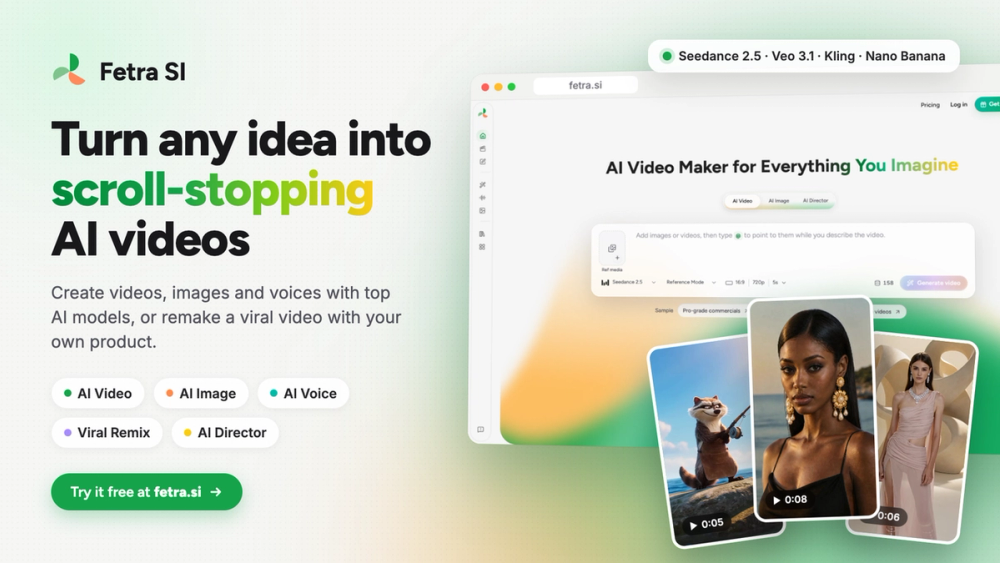
AI Photo Editor Online is a browser-based tool that lets you modify images using plain English instructions. It works for people who need quick edits like background removal or object replacement but do not want to learn complex software like Photoshop. The tool processes everyday tasks locally on your device, while AI-driven edits happen on remote servers using models like Nano Banana and GPT Image 2.
E-commerce sellers use it to clean up product shots, and social media managers use it to resize or restyle content for different platforms. Because it requires no account or credit card, you can start editing immediately. The site handles common formats including JPEG, PNG, and WEBP for AI tasks, plus GIF and HEIC for standard tools.
Key Features
- Text-based editing using natural language prompts
- Background replacement for product listings and portraits
- Object and person removal that maintains lighting consistency
- Photo enhancement and colorization for old or low-res images
- Precise text replacement that matches original fonts and angles
- Local processing for crop, resize, and compress tools
- Support for files up to 24MB in size
- Daily free AI generations without a subscription
How to Use
- Open the website and drag your image into the upload area
- Select the AI edit option or a standard tool like crop
- Type a specific instruction like "remove the background" or "add a wood floor"
- Wait a few seconds for the AI to generate the preview
- Review the result and tweak the prompt if needed
- Download the high-resolution file to your device
Use Cases
- An Etsy seller removes a messy home background and replaces it with a clean white studio setting
- A family historian uploads a black-and-white photo to colorize and sharpen it for a gift
- A real estate agent changes the flooring in a room photo to show a client a renovation preview
- A social media creator swaps their gender or age in a portrait for a viral post
Pricing
Standard tools like crop and resize are free and unlimited. AI-based edits include free daily tries, with no sign-up required. Check the official website for current pricing on higher usage limits.
FAQ
What is AI Photo Editor Online?
It is a web-based image editor that uses AI models to process text prompts for photo modifications.
Is AI Photo Editor Online free?
Yes, the basic tools are free, and AI edits have a daily free allowance without needing an account.
Do I need to create an account?
No, you can use all the features without signing up or providing an email address.
Are my photos private?
Yes, standard tools run locally in your browser, and AI uploads are deleted from history upon your request.
Can I use the images for my business?
Yes, the tool allows for commercial use of edited images without adding watermarks.
Which file formats does it support?
It handles JPEG, PNG, and WEBP for AI edits, and standard tools support GIF, HEIC, and AVIF.