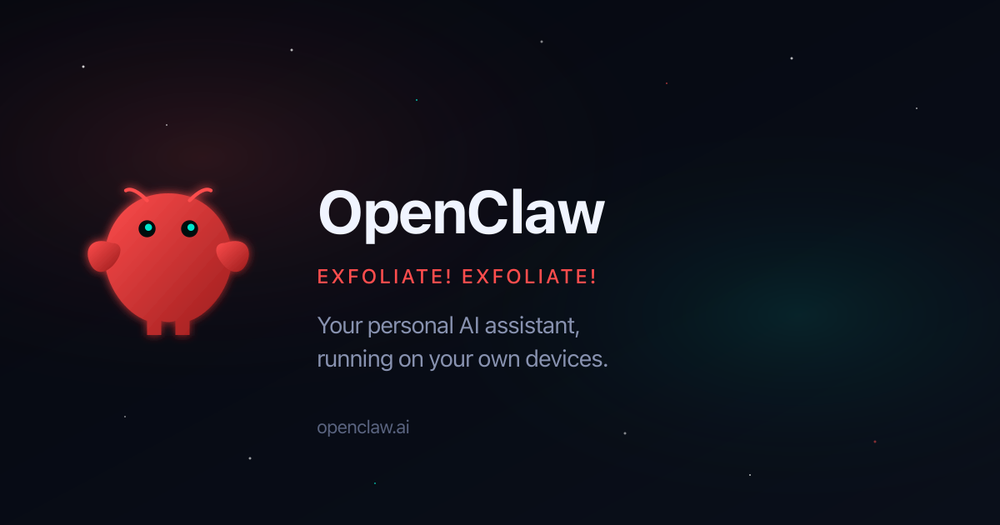
OpenClaw is an open-source personal AI assistant that you host on your own hardware or a private server. It connects to the chat apps you already use, like WhatsApp or Telegram, to execute tasks across your digital life. Instead of just chatting, it interacts with your computer, files, and external APIs to get things done.
Developers and power users use it to automate repetitive digital chores without handing their data over to a single tech giant. It works like a digital employee that has access to its own environment, meaning it can write code, manage files, and check your email while you are away from your desk. Since it is self-hosted, you keep full control over the context and skills it develops.
Key Features
- Self-hosted architecture lets you run the assistant on a Mac mini, Raspberry Pi, or laptop.
- Messaging integration connects the AI to your existing WhatsApp, Telegram, or Discord accounts.
- Persistent memory ensures the assistant remembers your preferences and past interactions 24/7.
- Autonomous tool building allows the bot to write its own extensions and code to solve new problems.
- Background task scheduling handles cron jobs, reminders, and proactive notifications without manual input.
- Local file access gives the agent the ability to read and organize documents on your machine.
- Multi-agent coordination lets you link different models and subscriptions together for complex workflows.
How to Use
- Clone the OpenClaw repository from GitHub to your local machine or a cloud server.
- Set up your environment variables and add your API keys for models like Claude or OpenAI.
- Configure the communication gateway for your preferred app, such as creating a Telegram bot token.
- Start the service and send an initial message to introduce yourself and your goals.
- Provide specific permissions for the assistant to access your calendar, email, or local directories.
Use Cases
- Managing a busy inbox by having the assistant draft replies and flag urgent messages based on your history.
- Automating software development tasks like running test suites and opening pull requests when errors are found.
- Handling personal logistics such as finding flight options and checking you in automatically when the window opens.
- Building a second brain by asking the assistant to summarize and store notes from your chat history into Obsidian.
Pricing
OpenClaw is an open-source project and is free to download and install. You are responsible for the hosting costs and the API usage fees from your chosen LLM providers.
FAQ
What is OpenClaw?
It is a self-hosted AI agent that acts as a personal assistant with access to its own computer environment and messaging apps.
Is OpenClaw free?
The software itself is open-source and free, but you will need to pay for the API tokens used by the underlying language models.
Where does the data live?
All your context, memory, and files stay on your own hardware or the server you choose to deploy the assistant on.
Which messaging apps are supported?
You can currently interact with the assistant through Telegram, WhatsApp, and Discord.
Does it require technical knowledge to set up?
Yes, you should be comfortable with basic terminal commands and setting up API keys to get the assistant running.
Can it perform tasks while I am offline?
Yes, because it runs on a persistent server or computer, it can handle scheduled tasks and background jobs 24/7.