

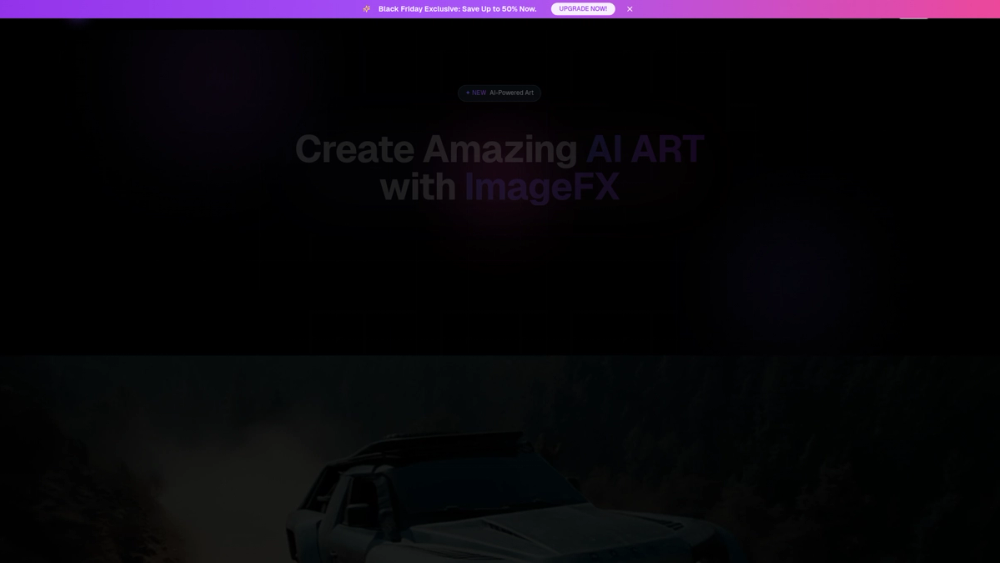
ImageFX is an AI-powered creative platform that enables users to generate stunning, professional-grade images and art from simple text descriptions. Designed for ease of use, it empowers individuals without any design experience to transform their creative visions into high-quality visuals in just seconds. The platform serves a wide range of users, from marketers and content creators to business professionals and hobbyists, providing a fast and accessible tool for producing unique visual content.
The primary value of ImageFX lies in its ability to democratize art creation and graphic design. By leveraging advanced AI, it eliminates the steep learning curve and high costs associated with traditional design software. Users can quickly generate visuals for social media campaigns, blog posts, presentations, or personal projects, streamlining workflows and boosting creativity without compromising on quality. The platform also includes tools for editing photos and creating AI videos, making it a versatile solution for various digital content needs.
Features
- AI Image Generation: Instantly create unique images and artwork by providing a descriptive text prompt. The AI interprets your words to generate corresponding visuals.
- AI Photo Editor: Enhance and modify your existing photos with one-click AI-powered effects and editing tools.
- AI Video Creation: Generate and edit video content using AI. The platform offers tools for creating AI videos and applying video effects.
- No Design Skills Required: The interface is built for simplicity, allowing anyone to produce professional-looking results without prior experience in graphic design.
- High-Quality Output: Powered by advanced AI models, ImageFX delivers high-resolution, professional-grade images suitable for a variety of uses.
- Fast Generation Speed: Transform your ideas into finished artwork in seconds, dramatically accelerating the creative process.
How to Use
- Select a Tool: Navigate to the ImageFX website and choose the tool you want to use, such as the "AI Image" generator or "Image Effects" editor.
- Provide Your Input: For image generation, type a clear and descriptive text prompt in the input box. For editing, upload the image you wish to modify.
- Describe Your Vision: Be specific in your text prompt. Include details about the subject, style, colors, and composition for better results. For example, instead of "a dog," try "a photorealistic portrait of a golden retriever puppy sitting in a sunny field of flowers."
- Generate the Artwork: Click the "Start Building" or generate button to let the AI create your image. The process typically takes only a few seconds.
- Review and Refine: Once generated, review the image. If it's not quite right, you can refine your prompt and generate a new version or use the editing tools to make adjustments.
- Download Your Creation: When you are satisfied with the result, download the high-quality image to use in your projects.
Use Cases
- Marketing and Advertising: Create eye-catching visuals for social media posts, ad campaigns, email newsletters, and promotional materials without hiring a designer.
- Content Creation: Generate unique blog post headers, YouTube thumbnails, podcast covers, and illustrations that align with your brand and content.
- Business Presentations: Enhance slideshows and reports with custom graphics, charts, and illustrations to make data more engaging and understandable.
- Prototyping and Concept Art: Quickly visualize ideas for product designs, app interfaces, game characters, or architectural concepts before committing to development.
- Personal Projects: Design custom artwork for home decor, create unique profile pictures, or simply explore your creativity by bringing imaginative ideas to life.
FAQ
Is ImageFX free to use?
ImageFX offers a free way to get started, as indicated by its title "Free One-Click AI Photo Editor & Image Generator." However, it also features an "Upgrade Now" button and a pricing page, which suggests there are premium plans with additional features, higher limits, or better quality.
Do I need any design skills to use ImageFX?
No, not at all. The platform is specifically designed to be user-friendly and accessible to everyone, regardless of their design background. The core functionality relies on simple text prompts and one-click operations.
What kind of images can I create?
You can create a vast range of images, limited only by your imagination. This includes photorealistic portraits, fantasy landscapes, abstract art, cartoon characters, product mockups, and more. The quality of the output depends on the detail in your text prompt.
Can I use the images generated by ImageFX for commercial purposes?
This typically depends on the platform's terms of service and the subscription plan you are on. Free tiers often have restrictions, while paid plans usually grant commercial rights. It is always best to check the official pricing and licensing pages for specific details.
Does ImageFX also work with video?
Yes, the website navigation includes links for "AI Video" and "Video Effects," indicating that the platform has capabilities for both generating and editing video content using AI.
How is ImageFX different from other AI image generators?
ImageFX positions itself as an all-in-one creative suite by combining AI image generation with photo editing and video tools. Its emphasis on a "one-click" user experience suggests a strong focus on simplicity and speed.



