

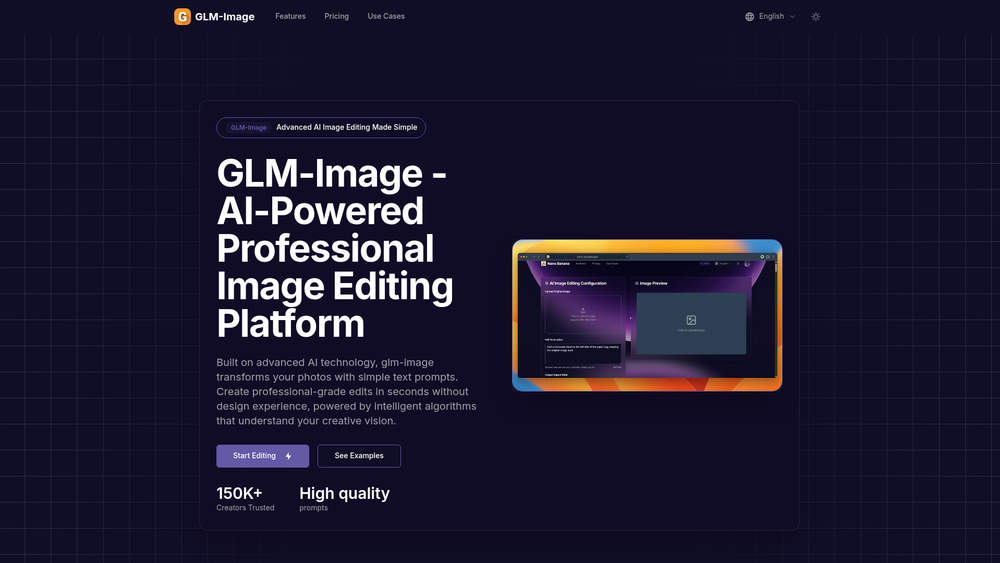
GLM-Image-1 is an AI-driven image editing platform that leverages natural language processing to transform standard photographs into professional-grade visuals. By moving away from complex manual tools, it allows users to modify images simply by describing the desired changes in plain English. This approach bridges the gap between professional photo retouching and casual editing, making high-end results accessible to anyone with a creative vision regardless of their technical background.
That said, the tool is more than just a filter app; it acts as a digital darkroom powered by intelligent algorithms. It analyzes the specific composition, lighting, and textures of an uploaded file to ensure that any requested modifications—whether adding an object or changing a background—look naturally integrated rather than pasted on. For creators who need fast, high-quality iterations, this platform offers a streamlined alternative to traditional software.
Features
- Text-to-Edit Engine: Uses sophisticated AI to interpret natural language prompts for specific and nuanced image modifications.
- Intelligent Composition Analysis: Automatically scans lighting, colors, and structural elements to ensure edits blend seamlessly with the original photo.
- Object Manipulation: Add or remove specific elements within an image without leaving artifacts or distorting the surrounding pixels.
- Background Transformation: Swap out backgrounds or modify existing environments while maintaining realistic depth of field.
- Style Transfer: Apply artistic styles or specific photographic aesthetics simply by describing the look you want to achieve.
- Context-Aware Lighting: Re-calculates shadows and highlights automatically when objects are added or moved to maintain visual consistency.
- High-Resolution Export: Supports downloading final outputs in high quality, making them suitable for professional presentations and social media.
How to Use GLM-Image-1
- Upload your source image to the GLM-Image-1 dashboard to begin the AI analysis phase.
- Wait a few moments while the system maps the composition, lighting, and color palette of your photo.
- Type a descriptive prompt into the command box, such as "change the sky to a dramatic sunset" or "add a vintage film grain."
- Review the generated preview to see how the AI interpreted your specific instructions.
- Adjust your prompt or add more details if you need to refine the artistic direction of the edit.
- Click the download button to save the high-resolution version of your transformed image to your device.
Use Cases
- E-commerce Optimization: Quickly update product backgrounds or remove distracting elements to create clean, professional listing photos.
- Marketing Campaigns: Rapidly prototype different visual concepts by testing various prompts on a single base image for diverse ad sets.
- Social Media Growth: Transform standard mobile snapshots into eye-catching, stylized content that matches a specific brand aesthetic.
- Creative Concepting: Artists and designers can use the tool to quickly visualize ideas and layouts before committing to manual production.
Pricing
Check the official website for the most current pricing tiers and subscription options.
FAQ
What is GLM-Image-1?
GLM-Image-1 is an advanced AI image editing tool that allows users to modify photos using text-based prompts instead of manual brushes or layers.
Is GLM-Image-1 free to use?
While the platform may offer trial credits or a free tier, you should check the official website for their current billing structure.
Do I need professional design experience?
No, the platform is designed to be intuitive, allowing anyone who can write a description to produce professional-level edits.
What kind of images work best?
High-resolution photos with clear subjects generally yield the best results, as the AI has more data to analyze for composition.
Can I remove objects from my photos?
Yes, the AI is specifically trained to identify and remove unwanted elements while intelligently filling in the background.
How long does the editing process take?
In practice, most transformations are completed within a few seconds, depending on the complexity of the prompt and the image size.



