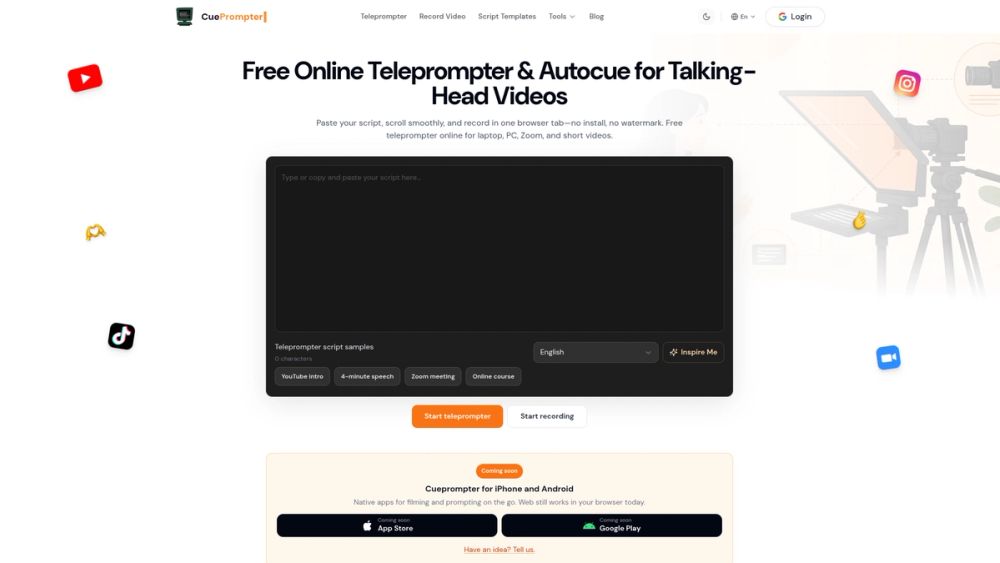
CuePrompter is a browser-based teleprompter tool that displays text in a scrolling format for video recording and presentations. It helps creators, educators, and business professionals stay on script without having to memorize lines or look away from the camera. The tool runs entirely in the browser, so there is no software to install or accounts to create for basic use.
The interface is built for speed. You paste a script, pick your settings, and start reading immediately. It works on laptops, tablets, and phones, making it a flexible option for people who record in different environments. By keeping the text near the camera lens, it helps you maintain better eye contact with your audience.
Key features
- Scroll speed control to match your natural speaking rhythm
- Mirror mode for compatibility with physical teleprompter glass hardware
- Built-in camera recording to capture video takes directly in the browser tab
- Custom font sizes and high-contrast color themes for better readability
- Highlighted focus area that marks the current line you should be reading
- Local browser storage that keeps your script saved even if you refresh the page
- AI script generation for drafting video content from a few prompts
How to use
- Paste your text into the main script window on the homepage
- Adjust