
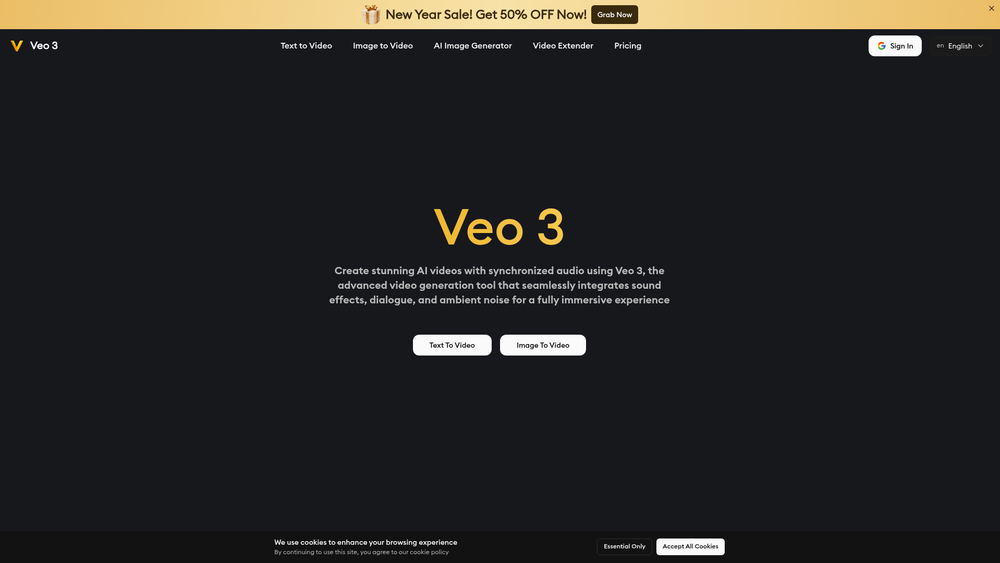
Veo 3 AI is a sophisticated video generation platform that bridges the gap between static prompts and cinematic reality. By leveraging advanced machine learning models, it allows users to synthesize high-quality video clips that don't just look realistic but sound realistic too. This integration of synchronized audio, including natural lip-sync and ambient environmental noise, sets it apart from standard silent video generators. For digital creators and marketers, the tool offers a streamlined workflow to produce short-form content with professional-grade motion. Whether you are starting from a descriptive text prompt or an existing image, Veo 3 handles the complex physics of movement and sound timing automatically. That said, its primary strength lies in its ability to maintain visual consistency across different aspect ratios and resolutions, making it a versatile asset for modern multi-platform storytelling. ## Key Features - High-Fidelity AI Video: Produces visually stunning clips that meet professional standards using Google's generative technology. - Authentic Audio Sync: Delivers accurately timed sound effects and dialogue that match character movements and environments. - Multimodal Inputs: Supports both text-to-video and image-to-video generation for maximum creative flexibility. - Variable Resolutions: Offers a range of output qualities from 360p previews to native 1080p high-definition video. - Optimized Short-Form: Specifically designed to generate high-impact clips up to 8 seconds long, perfect for social media. - Adaptive Aspect Ratios: Allows users to tailor their videos for various platforms, including vertical, horizontal, and square formats. - Cinematic Motion Control: Features fluid character movements and realistic physics that avoid the 'uncanny valley' effect. - AI Video Extender: Provides tools to lengthen existing clips while maintaining visual and auditory consistency. ## How to Use Veo 3 AI: Generate Veo 3 AI Video With Realistic Sound 1. Visit the official Veo 3 AI website and sign in using your Google account to access the dashboard. 2. Choose between the 'Text to Video' or 'Image to Video' workspace depending on your starting material. 3. Enter a detailed prompt describing the scene, motion, and specific sounds you want to hear, or upload a high-quality reference image. 4. Configure your output settings, selecting the appropriate aspect ratio and resolution for your project. 5. Click the generate button and wait for the AI to process the visual and auditory layers of your clip. 6. Preview the result to ensure the audio-visual synchronization is correct, then download the file or use the extender tool for longer sequences. ## Use Cases - Social Media Marketing: Create eye-catching, high-quality video ads for TikTok or Instagram Reels with built-in sound effects. - Film Prototyping: Filmmakers can use the tool to storyboard and visualize complex scenes with realistic movement before actual production. - Educational Content: Generate short, engaging visual aids with synchronized narration or environmental sounds for online courses. - Digital Storytelling: Content creators can bring fictional worlds to life by animating concept art with matching atmospheric audio. ## Pricing Veo 3 AI offers a free starting tier for users to experiment with the technology. For higher resolution outputs and increased generation limits, check the official website for detailed subscription plans. ## FAQ ### What is Veo 3 AI: Generate Veo 3 AI Video With Realistic Sound? It is an advanced AI video generator developed to turn text or images into high-quality video clips with synchronized, realistic audio. ### Is Veo 3 AI: Generate Veo 3 AI Video With Realistic Sound free to use? Yes, the platform allows users to start for free, though premium features and higher resolutions may require a paid plan. ### How long are the videos generated by Veo 3? The tool is currently optimized for short-form content, generating clips up to 8 seconds in length. ### Does Veo 3 support 4K resolution? Currently, the tool supports resolutions up to native 1080p, which is suitable for most professional and social media applications. ### Can I animate my own photos with Veo 3? Absolutely. The 'Image to Video' feature allows you to upload static images and transform them into moving scenes with sound. ### Is the audio generated automatically? Yes, Veo 3 uses AI to generate and synchronize audio—such as dialogue and ambient noise—based on the visual content of the video.

Veo 3 AI: Generate Veo 3 AI Video With Realistic Sound
Veo 3 is an advanced AI video generation model developed by Google that transforms text or images into high-quality videos with realistic motion and synchronized audio. Create stunning AI videos. Start for free.
Introduction
Information
- Websiteveo3-ai.io
- Published date2026/01/22
Categories

Seedance 2.5
Seedance 2.5 is ByteDance's latest video model: a full 30 seconds in one take, up to 50 reference files, and native audio in 10+ languages. Start with free credits.


