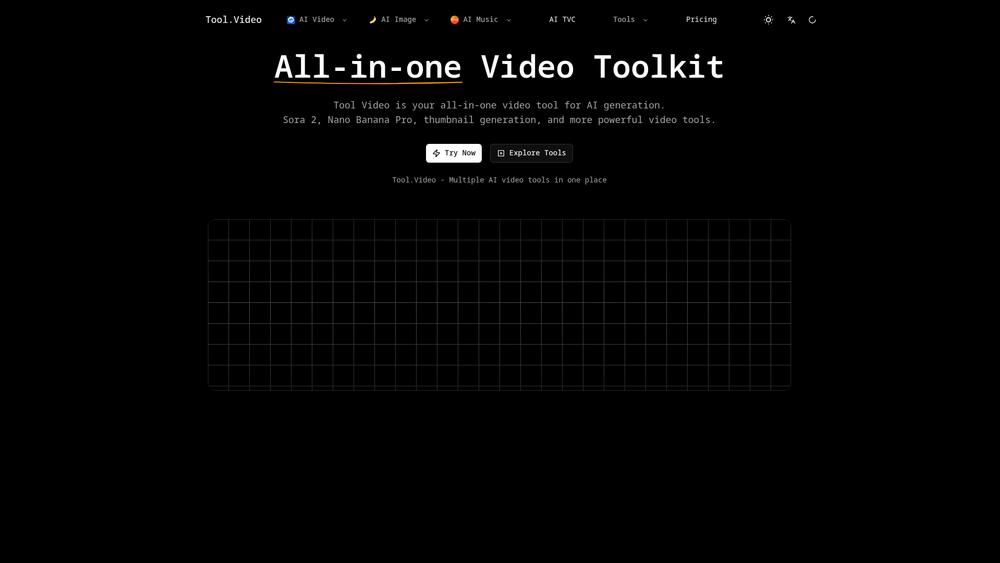
Tool Video is a comprehensive creative suite designed to consolidate the fragmented landscape of AI media generation into a single interface. While many platforms specialize in a single niche, this toolkit integrates high-end video synthesis models—including access to Sora 2-style architectures—alongside specialized modules for audio, imagery, and post-production utilities. It essentially acts as a central hub for creators who need to move from a prompt to a finished multimedia asset without jumping between multiple subscriptions.
In practice, the platform addresses the 'consistency problem' that plagues many AI workflows. By housing image, music, and video generation under one roof, users can better align the aesthetic of their assets. Whether you are a solo content creator or part of a larger marketing team, the utility here lies in the speed of iteration. That said, it is not just about raw generation; the inclusion of specific video utilities like upscaling and background removal makes it a viable tool for finishing projects, not just starting them.
Features
- Advanced Video Synthesis: Leverages state-of-the-art models to generate high-fidelity video clips from text or image prompts with realistic physics.
- Sora 2 Integration: Provides early-stage access to next-generation video architectures capable of longer durations and improved temporal consistency.
- Integrated Music Generation: Creates custom soundtracks and ambient scores that can be tailored to the mood and pacing of your visual projects.
- AI Image Studio: A dedicated workspace for generating high-resolution stills that can serve as the foundation for video-to-video transformations.
- Video Enhancement Utilities: Includes a suite of tools for upscaling resolution, frame-rate interpolation, and intelligent background removal.
- Multimodal Prompting: Supports complex instructions that combine text descriptions with reference images for precise character and style control.
- Cloud-Based Rendering: Offloads heavy computational tasks to high-performance servers, ensuring fast turnaround times for 4K exports without taxing local hardware.
- Asset Management: A built-in library system to store, categorize, and reuse generated prompts and media across different projects.
How to Use Tool Video
- Log in to the Tool Video dashboard and select your primary creative module, such as 'Text-to-Video' or 'Music Gen.'
- Enter your descriptive prompt in the workspace, making sure to use the advanced settings to define aspect ratio and motion intensity.
- Upload reference assets, like a character sketch or a color palette, to the 'Image Reference' slot to guide the AI's visual output.
- Click the 'Generate Preview' button to produce a low-resolution draft, allowing you to check the composition before full rendering.
- Navigate to the 'Utilities' tab if you need to upscale your clip to 4K or remove the background for compositing in other software.
- Export your final file in your preferred format (MP4 or MOV) and download it directly to your device.
Use Cases
- Social Media Marketing: Rapidly produce high-quality video ads and short-form reels for platforms like TikTok and Instagram without needing a film crew.
- Prototyping and Storyboarding: Filmmakers can visualize complex scenes and camera movements during pre-production to communicate ideas to stakeholders.
- Educational Content: Teachers and trainers can transform static text-based lessons into engaging visual explanations with custom background music.
- Independent Game Development: Indie devs can generate environmental b-roll, cutscenes, and ambient soundscapes to increase production value on a budget.
- YouTube Content Creation: Creators can generate unique b-roll footage and copyright-free music to enhance their storytelling and avoid content ID claims.
Pricing
Check the official website for pricing.
FAQ
What is Tool Video?
Tool Video is an all-in-one AI toolkit that combines video, image, and music generation into a single platform for streamlined content creation.
Is Tool Video free to use?
Tool Video typically operates on a freemium or credit-based system. You should check the official site for the most current trial offers and subscription tiers.
Does it support 4K video export?
Yes, the platform includes upscaling utilities that allow users to take standard AI-generated clips and enhance them to 4K resolution.
Can I use the generated music for commercial projects?
Commercial rights generally depend on your subscription level. Most professional tiers include licenses for commercial use, but you should verify this in their terms of service.
How long are the generated video clips?
Clip duration varies depending on the model used. While standard clips are usually 5-10 seconds, the Sora 2 integration aims for significantly longer durations.
Can I maintain character consistency across different videos?
By using the 'Image Reference' and 'Seed' features, you can guide the AI to maintain similar visual traits across multiple generation sessions.