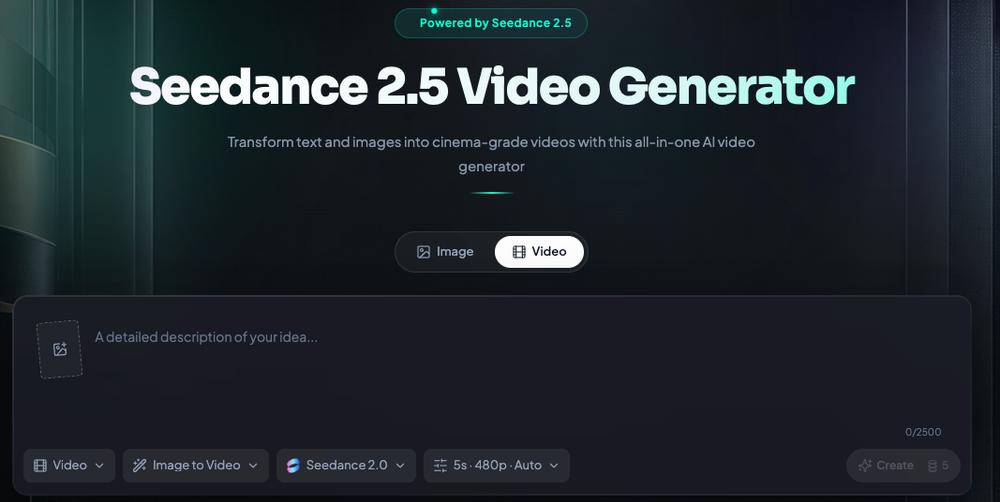
Seedance 2.5 is a multi-modal AI video generator that creates cinematic clips from text, images, and audio files. Video editors and social media managers use it to produce high-quality content without the overhead of traditional production. It addresses common AI video issues like flickering and inconsistent characters.
The tool works by processing various input types to guide the generation process. You can upload a photo to animate it or provide a voiceover to sync with a character's lip movements. This flexibility helps creators maintain a specific visual style across multiple clips.
Key Features
- Text-to-video generation for creating scenes from natural language descriptions
- Image-to-video animation that supports up to 9 reference images for character consistency
- Audio-to-video integration with automated lip-syncing for voiceovers and music
- High-definition output at up to 1080p resolution for professional use
- Multiple aspect ratio support including 16:9, 9:16, 1:1, and 4:3
- Motion control settings to adjust camera angles and specific character actions
- Video-to-video referencing using clips up to 15 seconds to guide motion and style
How to Use
- Open the Seedance 2.5 playground and select your primary input type
- Upload a reference image if you want to animate a specific character or setting
- Enter a prompt that describes the movement, such as camera direction or subject action
- Add an audio file if you need the character to speak or move to a specific rhythm
- Click the generate button and wait for the AI to render the video preview
- Download the finished 1080p file for your social media or marketing projects
Use Cases
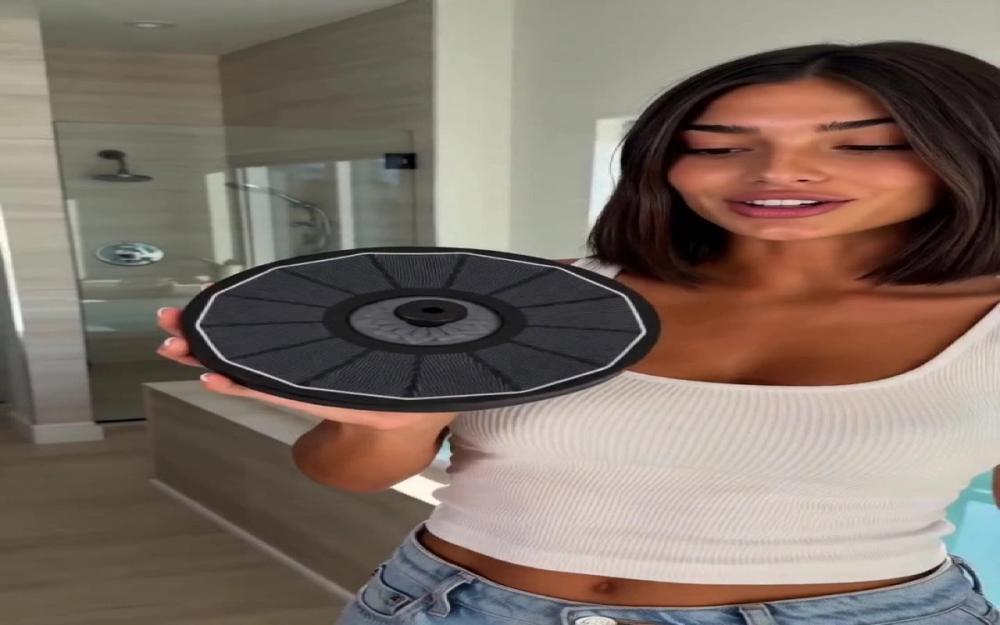
- Creating social media ads by animating static product photos into vertical 9:16 videos
- Generating educational explainers where a character speaks directly to the camera using uploaded voiceovers
- Developing cinematic trailers by using text prompts to define specific lighting and textures
- Building consistent character animations for a series of clips using the same reference images
Pricing
Check the official website for current pricing and free credit availability.
FAQ
What is Seedance 2.5?
It is an AI tool that generates high-quality video clips from text, images, and audio inputs.
Is Seedance 2.5 free?
The tool offers free credits for users to try the generation features, but check the site for full plan details.
What resolution does it support?
Seedance 2.5 outputs videos at up to 1080p resolution for most workflows.
Can I use my own audio?
Yes, you can upload voiceovers or music to guide the video's timing and lip-sync accuracy.
How long can the input videos be?
You can upload video references up to 15 seconds long to guide the AI's motion.
Does it maintain character looks?
Yes, the model is designed to keep facial features and clothing consistent across different camera angles.