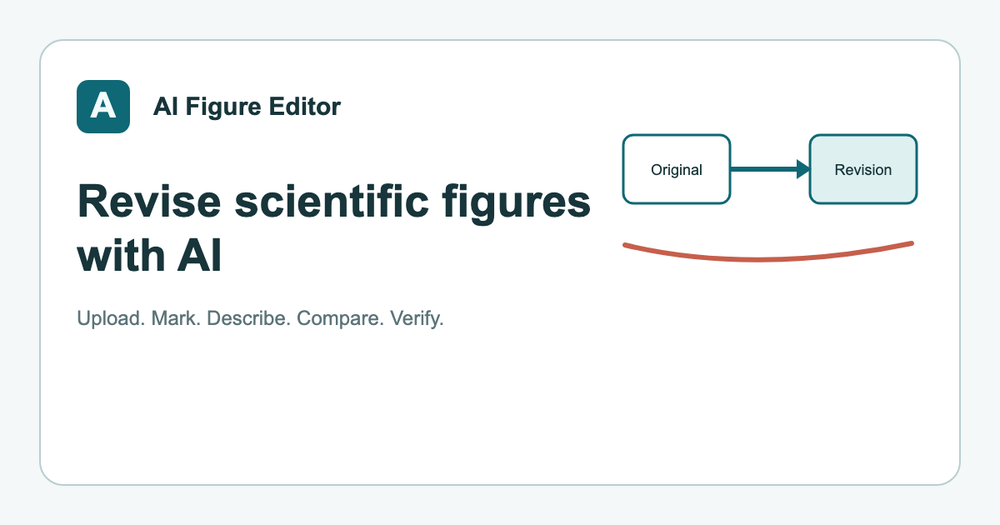
Scientific Figure Editor is a web-based tool for revising research schematics and methodology diagrams using AI. It allows researchers to upload an existing figure and apply precise edits without starting from scratch.
Most academics spend hours in Illustrator or PowerPoint just to fix a single label or align a box. This tool handles those small but time-consuming adjustments by interpreting text instructions and visual marks. It keeps the original image visible next to the new version so you can verify every change.
Key Features
- Side-by-side comparison shows the original figure next to the AI revision for easy verification.
- Regional guidance lets you draw boxes or marks over the exact area that needs a change.
- Version continuity keeps a history of your drafts so you can go back to a previous iteration at any time.
- Label replacement converts text like CNN to Visual Encoder while keeping the font style consistent.
- Layout alignment fixes uneven spacing and crooked arrows in research pipelines automatically.
- Color theme updates change specific elements, such as making all arrows teal or boxes gray for journal consistency.
How to Use
- Upload a PNG or SVG file of your current scientific schematic to the workspace area.
- Use the marking tool to highlight the specific region you want the AI to modify.
- Enter a text prompt describing the change, such as align these three modules.
- Select a revision mode like Fast Revision to generate the new draft version.
- Compare the new version with your original in the dual-pane viewer to check for accuracy.
- Export the final image once the details match your requirements for publication.
Use Cases
- Updating a methodology workflow for a journal resubmission after receiving specific reviewer feedback.
- Cleaning up a crowded AI architecture diagram to make the data flow more readable for a presentation.
- Changing the color palette of a graphical abstract to meet specific publication standards for a high-impact journal.
- Replacing generic placeholder text with specific technical terminology in a mechanism diagram before final submission.
Pricing
Check the official website for current pricing. The tool typically offers a free tier for basic use and paid plans for more frequent revisions.
FAQ
What is Scientific Figure Editor?
It is a web-based tool that uses AI to help researchers edit and refine scientific diagrams and schematics.
Is Scientific Figure Editor free?
There is a free version available, though higher usage limits and advanced features require a paid subscription.
Does it overwrite my original file?
No, the tool keeps the source image visible so you can compare it with every new revision side-by-side.
Can I change specific colors?
Yes, you can prompt the AI to change the color of specific elements like arrows or boxes to match your needs.
Do I need to be an artist to use it?
No, it is designed for researchers who need to fix diagrams without using complex professional design software.
What kind of figures work best?
It works best on schematics, methodology workflows, and conceptual diagrams rather than photographs or complex data plots.