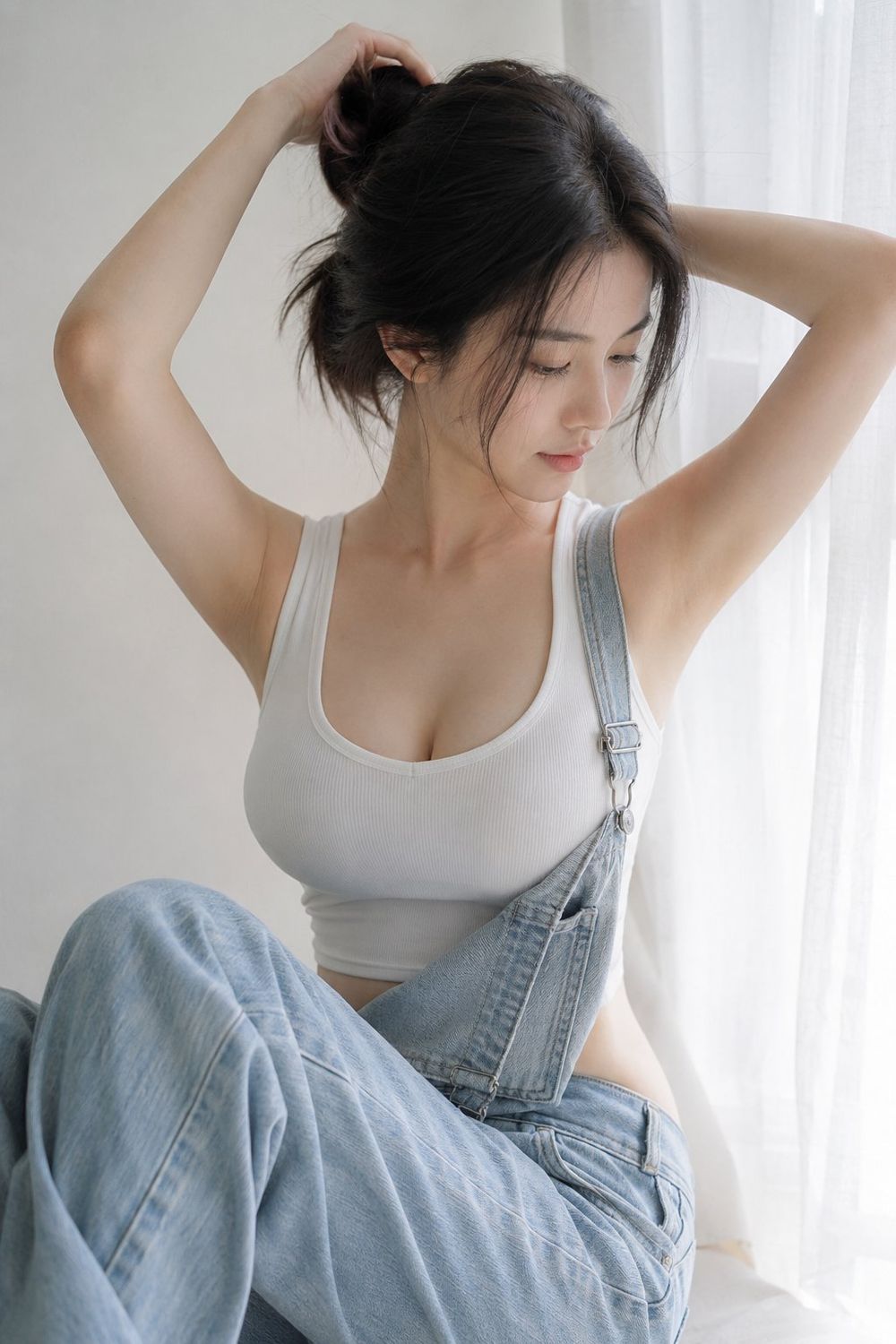
RenderPop Image to Video is an AI generator that turns still photos into short motion clips. Social media managers and content creators use it to add life to static portraits or product shots without filming new footage. It fills the gap between a static image and a full video production by using text prompts to guide movement.
Key features
- Motion prompts let you describe specific actions like hair blowing in the wind or a slow camera zoom.
- Video length options include short 5-second clips for quick social updates.
- Resolution settings support HD 720p output for clear visual quality.
- Vertical 9:16 aspect ratio fits mobile formats like Instagram Reels and TikTok.
- Credit-based system shows you exactly how much a generation costs before you start.
- Subject preservation keeps the original look of your photo while adding movement.
- Browser-based rendering means you do not need to install heavy software or have a powerful GPU.
How to use
- Upload a clear image file that you have the rights to use.
- Type a motion prompt describing how the camera or subject should move.
- Select your preferred duration and resolution from the options menu.
- Sign in to your account to check your available credit balance.
- Click the generate button and wait for the AI to process the video.
- Download the finished MP4 file once the rendering is complete.
Use cases
- Adding a subtle breeze to a portrait photo for a more engaging social media profile post.
- Creating a slow camera push-in on a product shot to highlight details in a digital ad.
- Turning a travel photo into a vertical clip with moving clouds for an Instagram story.
- Animating a character's facial expression or gaze to make a digital avatar feel more responsive.
Pricing
Image-to-video generation requires an account and credits. While basic image generation has a free tier, video creation is a paid feature. Check the official website for current credit packages and pricing plans.
FAQ
What is RenderPop Image to Video?
It is an AI tool that takes a static image and uses text prompts to generate motion. The process creates a short video clip that maintains the look of the original photo.
Is RenderPop Image to Video free?
No, generating videos requires credits. You can try the fast image generator for free without signing up, but video requires an account.
Can I make a photo dance with this tool?
This specific tool is for general motion prompts. RenderPop has a separate Dance feature for choreographed movement and templates.
What resolution does it support?
The tool currently supports HD 720p resolution, which works well for mobile viewing and social media platforms.
Do I need to know how to edit video?
No, you only need to describe the motion in plain text. The AI handles the technical animation and rendering process.
What format is the output?
The generator produces MP4 files that are ready to upload to most social platforms or websites.