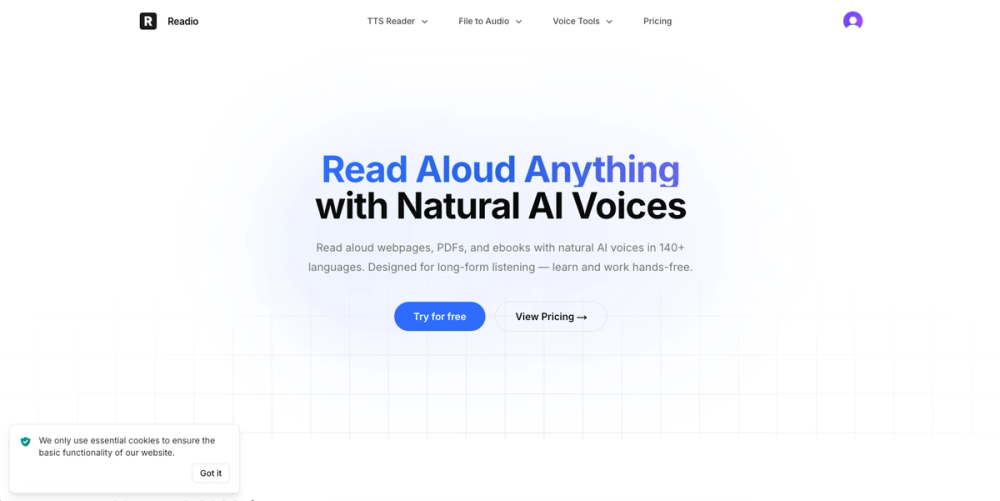
Readio is a text-to-speech application that converts digital documents and web pages into spoken audio using OpenAI's neural voices. Students and researchers use it to listen to long PDFs or ebooks while commuting or doing chores. It solves the problem of eye strain and allows for multitasking by turning visual text into clear, natural-sounding speech.
In practice, the live highlighting helps maintain focus by showing exactly which sentence is being read. This is particularly useful for technical documents or complex articles where losing your place is common. The tool handles the heavy lifting of parsing text so you can just listen.
Key features
-
OpenAI neural voices like Alloy, Onyx, and Shimmer provide human-like audio
-
Support for 140+ languages and accents including regional variations
-
Live text highlighting syncs the audio with the visual text on screen
-
Automatic scrolling moves the page down as the voice reads each sentence
-
Smart content filtering skips over footnotes, superscripts, and bracketed text
-
File format compatibility works with PDF, EPUB, DOCX, Markdown, and HTML
-
Playback speed adjustment lets you speed up or slow down the reading rate
How to use
- Upload a file in PDF, EPUB, or DOCX format to the dashboard
- Select one of the six OpenAI voices that fits your preference
- Choose the language and specific accent for the document
- Toggle the content filters to skip footnotes or citations
- Press play and follow the highlighted text as it scrolls
Use cases
- A student listening to a 50-page research paper while driving to university
- A developer hearing a technical documentation file to catch errors or logic gaps
- An office worker converting a long report to audio to stay productive during lunch
- A language learner listening to foreign text to improve pronunciation and rhythm
Pricing
Readio offers a free tier for basic use and paid plans for higher limits. Check the official website for current pricing.
FAQ
What is Readio?
Readio is an AI-powered reader that turns text files into spoken audio using natural voices. It works with various document formats and web content.
Is Readio free?
Yes, there is a free version available. Paid plans are also offered for users who need more features or higher usage limits.
What voices does it use?
It uses OpenAI's specific voice models including Alloy, Echo, Fable, Onyx, Nova, and Shimmer. Each voice has a different tone and characteristic.
Which file formats are supported?
You can upload PDF, EPUB, DOCX, RTF, ODT, HTML, TXT, and Markdown files. It also works for reading web pages directly.
Can it skip citations?
Yes, the tool has built-in filters to skip footnotes, superscripts, and bracketed text. This makes for a smoother listening experience.
Is there a mobile app?
While there isn't a dedicated app mentioned, the web interface is designed to work on mobile devices. You can use it through your phone's browser.