

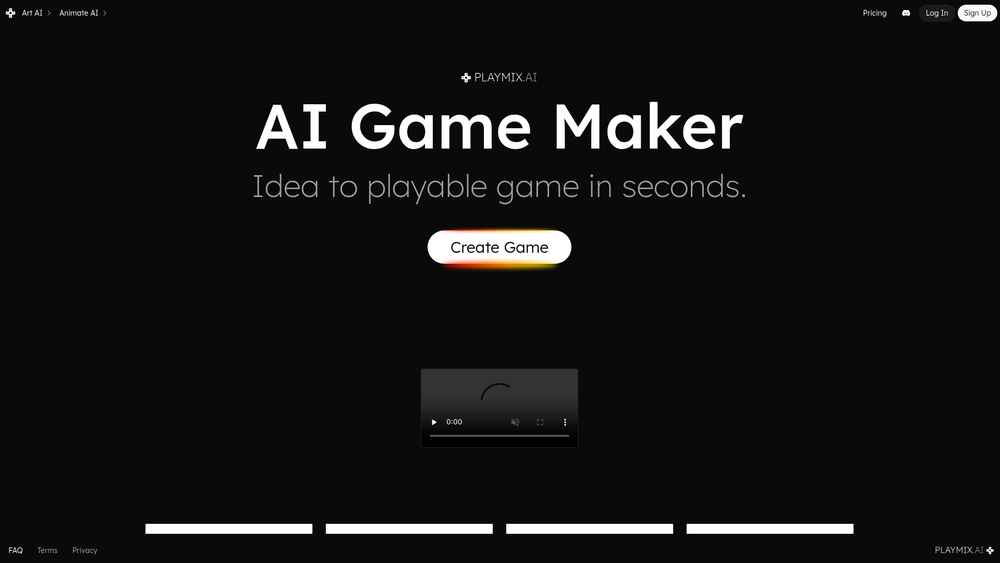
playmix.ai is an AI-driven game creation engine designed to transform text-based ideas into fully functional, playable games in a matter of seconds. Unlike traditional game engines that require steep learning curves and manual asset pipelines, this platform leverages generative AI to handle everything from core mechanics to visual aesthetics. It serves as an accessible entry point for hobbyists while offering rapid prototyping capabilities for more experienced developers.
The platform doesn't just stop at logic; it includes specialized tools for generating 2D and 3D art as well as animated sprites. This integrated approach means creators can maintain a consistent visual style across their projects without needing external design software. In practice, it shifts the focus from the technical hurdles of development to the creative process of game design.
Features
- Instant Game Generation: Convert a simple text prompt into a playable game loop with pre-defined mechanics and logic.
- AI-Powered 2D/3D Art: Generate high-quality visual assets, ranging from pixel art to 3D models, directly within the interface.
- Animated Sprite Creation: Automatically produce frame-by-frame animations for characters and objects to bring game worlds to life.
- Web-Based Playback: Games are generated for immediate play in the browser, requiring no complex compilation or installation.
- Customizable Logic: While AI handles the heavy lifting, users can tweak parameters to refine how the game feels and plays.
- Diverse Genre Support: Capable of creating everything from physics-based puzzles to action-oriented arena games.
- Integrated Asset Library: A built-in system to organize and store generated sprites, backgrounds, and models for future use.
How to Use playmix.ai
- Define Your Concept: Enter a descriptive prompt into the generator, detailing the type of game and the core objective.
- Select Visual Style: Choose between 2D or 3D aesthetics and specify the artistic direction, such as retro pixel art or modern stylized 3D.
- Generate Assets: Use the integrated art tools to create specific characters, sprites, and environmental elements needed for your project.
- Animate Elements: Apply the animation tool to your sprites to create movement patterns like walking, jumping, or idle states.
- Test and Refine: Launch the game in the instant player to test physics and gameplay, making adjustments to the prompt if necessary.
- Share and Play: Once satisfied, use the provided URL to share your creation with others or host it on the platform.
Use Cases
- Rapid Prototyping: Indie developers can quickly test game mechanics or "game feel" before committing to a full-scale production in complex engines.
- Educational Projects: Teachers and students can use the tool to explore game design principles without being bogged down by programming syntax.
- Marketing and Brand Engagement: Brands can create simple, themed mini-games for promotional campaigns in a fraction of the time of traditional development.
- Personal Creative Expression: Hobbyists can bring niche ideas to life, such as custom physics sandboxes or simple rhythm games, for personal enjoyment.
Pricing
Check the official website for pricing.
FAQ
What is playmix.ai?
It is an AI platform that generates playable games and game assets like art and animations from text prompts.
Is playmix.ai free to use?
Typically, the platform offers a limited trial or free tier, but full features and higher generation limits usually require a paid subscription.
Do I need to know how to code?
No, the platform is designed to handle the programming logic through AI, making it accessible to non-coders and designers.
Can I export my games?
Currently, the platform focuses on web-based play and sharing, though you should check the latest updates for standalone export options.
What kind of art can it generate?
It supports a wide range of styles, including 2D sprites, 3D models, and environmental backgrounds tailored for gaming.
Is it suitable for professional development?
While excellent for prototyping and casual games, it is currently optimized for smaller-scale web games rather than large-scale AAA productions.



