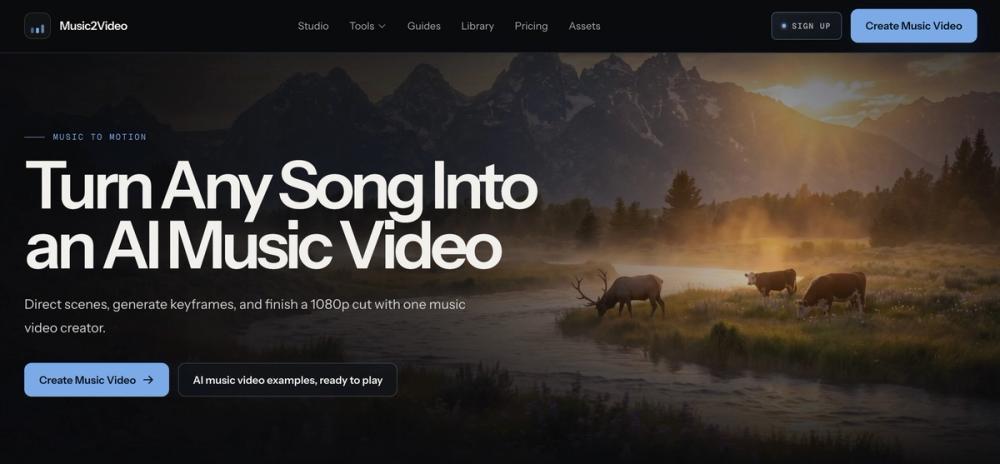
Music2Video is an AI music video generator that turns audio tracks into structured visual sequences. It helps you build a storyboard where each scene matches the timing and mood of your song. This is useful for artists who want more control than a single-prompt video generator offers.
You can adjust the look, motion, and duration of every segment to fit the track exactly. The platform handles the generation and final assembly into a 1080p file. It works well for making lyric videos, social media clips, or full-length visualizers. One thing to keep in mind is that you need credits to generate the actual video clips, though planning the storyboard is part of the process.
Key Features
- Deep audio analysis for BPM, mood, and lyrics
- Four video models including Grok, Kling, Wan, and Fast
- Character consistency using a single reference photo
- Scene-by-scene editing for timing and prompts
- Style reference uploads for visual consistency
- 1080p MP4 exports with optional subtitles
- Keyframe and motion prompt controls
How to Use
- Upload your audio file or a direct URL to the studio.
- Trim the section of the song you want to visualize.
- Select your visual style and aspect ratio.
- Edit the prompts and timing for each individual scene.
- Generate the video clips for each scene in the sequence.
- Export the finished 1080p MP4 cut.
Use Cases
- A producer creates a lo-fi visualizer for a 30-minute beat tape.
- An independent artist makes a cinematic music video for a new single using a consistent character.
- A social media manager generates 15-second vertical clips for Instagram Reels.
- A storyteller builds a visual poem by matching atmospheric scenes to spoken word audio.
Pricing
Music2Video offers a Starter pack for $39.99 and a Pro Pack for $99.99 as one-time purchases. You get 15 credits for free when you sign up to test the studio features.
FAQ
What is Music2Video?
It is a tool that turns audio tracks into structured AI music videos with scene-by-scene control.
Is Music2Video free?
You get 15 free credits upon signup, but full exports require purchasing a credit pack.
Can I use my own character?
Yes, you can upload a photo to maintain character consistency throughout the video.
What video formats does it support?
It exports high-quality 1080p MP4 files.
Can I edit the scenes?
Yes, every scene remains editable so you can change prompts or timing before the final export.
Do I need to subscribe?
No, the service offers one-time purchase packs instead of a monthly subscription.