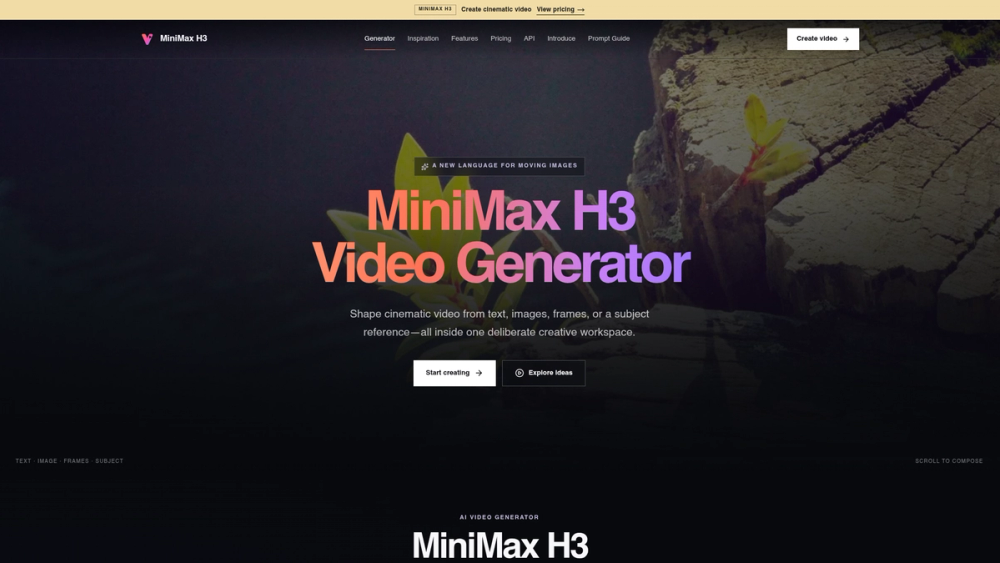
MiniMax H3 Video Generator is a creative workspace for building cinematic videos using text prompts, static images, or specific subject references. It helps video editors and digital creators produce high-quality clips without needing a full production crew or complex animation software. The tool focuses on providing control over camera movement and subject consistency, which are often the biggest hurdles in AI video production.
The platform works within a single interface where you can adjust technical settings like aspect ratio and resolution alongside your creative prompts. It handles different input types, allowing you to animate a single photo or bridge the gap between two specific frames to define exactly how a scene starts and ends. This makes it more of a directed tool than a random generator.
Key Features
-
Multimodal input support for text, images, and subject references
-
Video durations of 6, 10, or 30 seconds for different project needs
-
Resolution options including 768P and 1080P output
-
First and last frame control to define specific motion paths
-
Subject reference mode to keep characters consistent across scenes
-
Cinematic motion control using natural language descriptions
-
Support for 16:9, 9:16, and 1:1 aspect ratios
-
Browser-based session saving to keep active generations visible
How to Use
-
Select your input type, such as text-to-video or image-to-video, in the generator workspace.
-
Upload a starting image or a subject reference if you want to maintain visual consistency.
-
Type a descriptive prompt focusing on camera movement, lighting, and subject actions.
-
Choose your preferred aspect ratio and duration from the settings panel.
-
Click Generate Video and wait for the processing to complete in your browser.
-
Review the output and adjust the prompt or settings for a different variation.
Use Cases
-
Creating a 30-second cinematic B-roll clip for a travel vlog
-
Animating a brand logo or product photo for social media ads
-
Maintaining a consistent character across multiple scene transitions
-
Generating a specific camera move, like a crane shot or a drone orbit, from a text description
Pricing
Check the official website for current pricing.
FAQ
What is MiniMax H3 Video Generator?
It is an AI tool that creates high-quality video clips from text prompts, images, or subject references.
Is MiniMax H3 Video Generator free?
The website does not explicitly state a free tier; users should check the current pricing on the official site.
What video lengths can I generate?
You can choose between 6, 10, and 30 seconds depending on your project needs.
Can I keep the same character in different videos?
Yes, the Subject Reference feature allows you to use a character image to guide the AI in new scenes.
What resolutions are available?
The tool supports 768P for all durations and 1080P for shorter 6-second clips.
Does it support vertical video?
Yes, you can select a 9:16 aspect ratio specifically for mobile and social media formats.