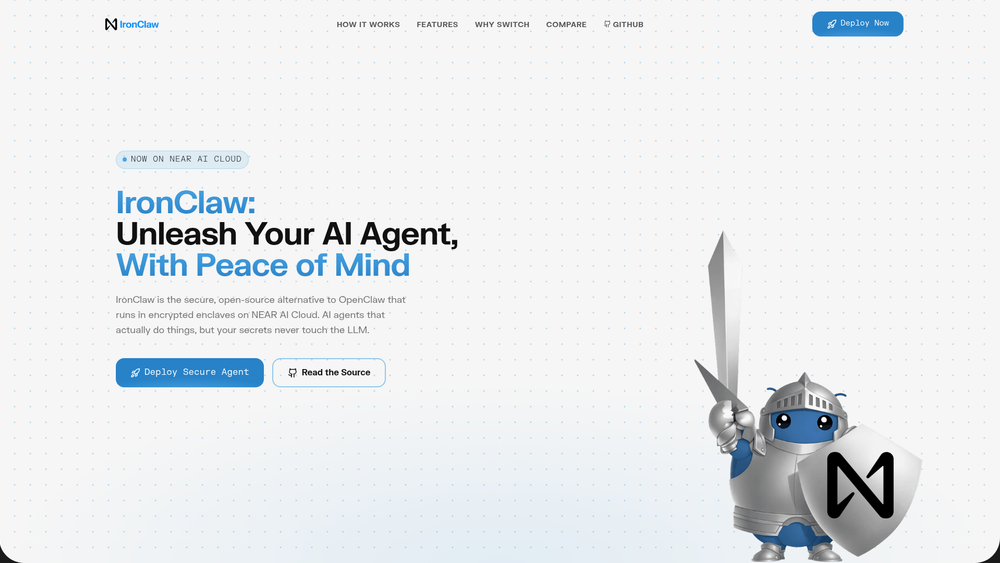
IronClaw serves as a hardened, open-source alternative to OpenClaw, specifically engineered for those who need to deploy AI agents without exposing sensitive credentials. While standard agents often require direct access to API keys—creating a significant risk if the model is hit with a prompt injection attack—IronClaw isolates these secrets. It operates within encrypted enclaves on the NEAR AI Cloud, ensuring that the underlying LLM can utilize the necessary permissions to perform tasks without ever "seeing" the raw authentication data.
In practice, this tool bridges the gap between high-level AI automation and enterprise-grade security. Developers and power users can grant their agents the ability to browse the web, access private repositories, or manage accounts, all while maintaining a defense-in-depth posture. By leveraging Trusted Execution Environments (TEEs), IronClaw provides a verifiable layer of privacy that traditional cloud deployments simply can't match.
Key Features
- Trusted Execution Environments (TEE): IronClaw leverages hardware-level encryption on the NEAR AI Cloud to ensure that the agent's memory and processing are shielded from external interference.
- Encrypted Secret Vault: Users can store sensitive API keys, tokens, and passwords in a secure vault that only injects credentials at the point of request.
- Prompt Injection Mitigation: By decoupling the LLM's logic from the credential management system, the tool ensures that malicious prompts cannot trick the agent into revealing its secrets.
- Rust-Powered Core: Built entirely in Rust, the platform emphasizes memory safety and high-performance execution, reducing the attack surface common in higher-level languages.
- 1-Click Cloud Deployment: The platform offers a streamlined deployment process for the NEAR AI Cloud, removing the complexity of manual enclave configuration.
- Granular Allowlisting: Users can define specific URL endpoints where credentials are allowed to be used, preventing data exfiltration to unauthorized domains.
- Open-Source Transparency: The entire codebase is available on GitHub, allowing for community audits and self-hosting for those who prefer complete control over their infrastructure.
How to Use IronClaw
- Navigate to the IronClaw website and select the "Deploy Now" option to launch an instance on the NEAR AI Cloud.
- Once the enclave is provisioned, access the secure dashboard to initialize your encrypted vault.
- Input your required API keys (such as OpenAI, GitHub, or Stripe) into the vault interface.
- Configure your endpoint allowlist to specify which domains your agent is permitted to interact with.
- Launch your AI agent and provide it with tasks; the system will automatically handle secure credential injection as needed.
Use Cases
- Secure DevOps Automation: Allow an AI agent to manage CI/CD pipelines or cloud infrastructure using real API tokens without the risk of token theft.
- Private Data Research: Conduct deep-dive research into proprietary datasets where the agent needs access to password-protected databases.
- Automated Financial Tracking: Build agents that log into financial dashboards to aggregate data, keeping session cookies and passwords within the encrypted enclave.
- Web Scraping with Authentication: Perform complex web automation on sites requiring login credentials, ensuring those credentials stay hidden from the model's output.
Pricing
IronClaw is open-source and can be run locally for free. For cloud-based deployment, users should check the official NEAR AI Cloud pricing for enclave hosting costs.
FAQ
What is IronClaw?
IronClaw is a secure, open-source alternative to OpenClaw that runs AI agents inside encrypted enclaves to protect user credentials.
Is IronClaw free to use?
The software itself is open-source and free, though deploying it on the NEAR AI Cloud may incur hosting fees.
How does it differ from OpenClaw?
Unlike OpenClaw, IronClaw focuses on security by using Trusted Execution Environments and a secure vault to prevent the LLM from accessing raw API keys.
What is a TEE?
A Trusted Execution Environment (TEE) is a secure area of a main processor that guarantees code and data loaded inside are protected with respect to confidentiality and integrity.
Do I need to know Rust to use it?
No, while it is built on Rust, the 1-click deployment and dashboard make it accessible to users without programming knowledge.
Can I run IronClaw on my own hardware?
Yes, the source code is available for local deployment, though the security guarantees depend on your local hardware's support for TEEs.