GPT Image2 is a text-to-image generator that operates directly in your browser. It turns written descriptions into digital files without requiring manual design skills. Marketing teams and solo creators use it to produce visuals for campaigns or social media when they do not have time for a full design cycle. The tool handles the technical side of rendering so you can focus on the actual idea.
Most users turn to this tool when they need to bypass stock photo searches or long design queues. It allows for quick experimentation with different styles, lighting, and compositions. Because the interface is simple, you can move from a blank page to a finished asset in about a minute. This makes it useful for testing creative directions while an idea is still fresh.
Key Features
- Natural language prompt input that supports detailed scene descriptions
- Multiple aspect ratio settings to fit specific social media or web formats
- Asynchronous rendering agent that monitors job status automatically
- API access available for integrating image generation into external workflows
- Private account history that keeps your prompts and assets hidden from others
- Credit-based system where unused credits remain valid for 365 days
- Commercial usage rights included with all paid subscription tiers
How to Use
- Navigate to the GPT Image2 studio page in your web browser
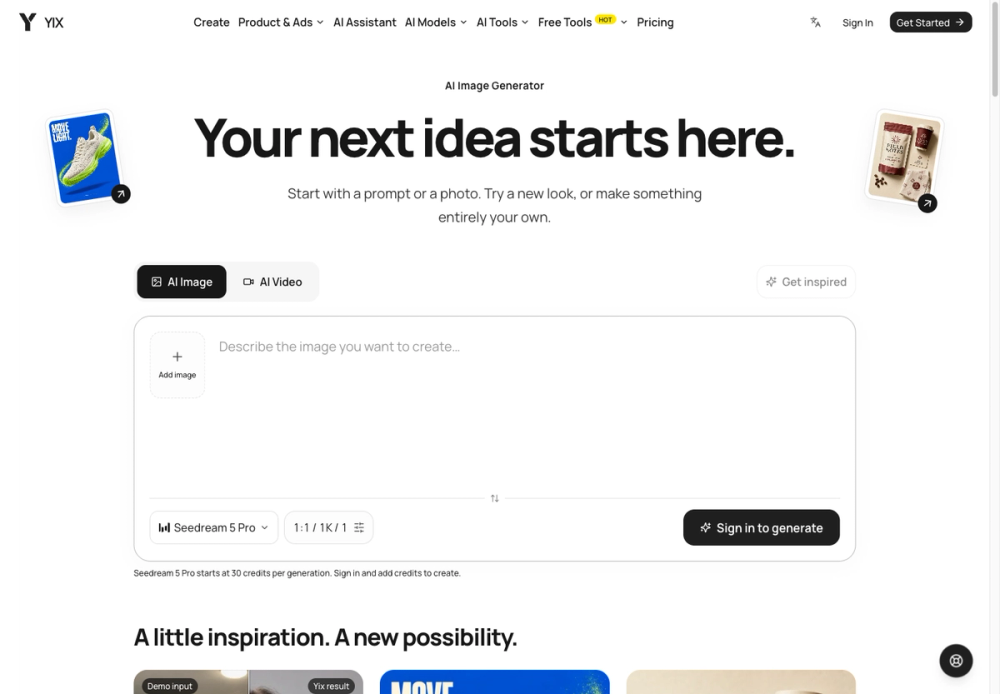
- Type a detailed description of your scene into the prompt box
- Select your preferred aspect ratio from the available canvas options
- Click the generate button to start the AI rendering process
- Wait for the image to appear in the studio as the agent finishes the task
- Download the final file or copy the image URL for immediate use
Use Cases
- A social media manager creates a series of campaign-ready visuals for a new product launch
- A developer uses the API to generate unique user avatars for a web application
- A creative director tests different lighting and composition styles for a project storyboard
- A small business owner generates high-quality blog images without a stock photo subscription
Pricing
Free starter credits are available without signing up. Paid plans start at $10.00 per month when billed yearly for 7,200 credits. The Pro plan costs $18.33 per month and includes API access, while the Studio plan is $33.33 per month for high-volume teams. Check the official website for current pricing and credit pack options.
FAQ
What is GPT Image2?
It is a tool that uses AI to create images based on text prompts you type into a box.
Is GPT Image2 free?
You can start for free with a few credits without providing credit card information or creating an account.
Can I use the images for my company?
Commercial usage is allowed if you are on one of the paid subscription tiers.
What happens if I do not use my credits?
Credits stay in your account and remain valid for a full year after you purchase them.
How do I get the images out?
There is a download button in the studio, or you can use the direct image URL for your CMS.
Does it work with other apps?
The Pro and Studio plans include API access to link the generator with your existing software stack.