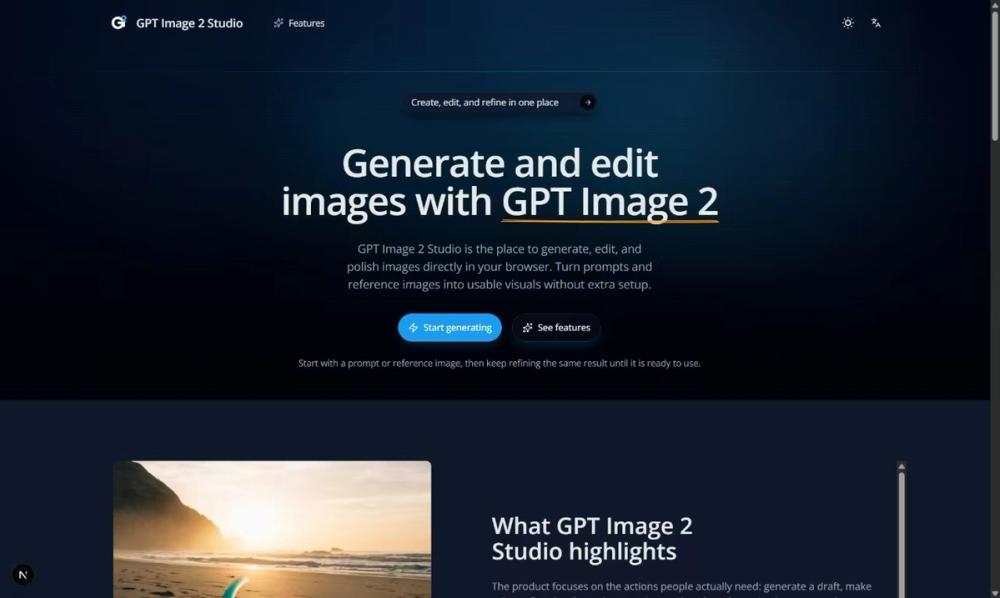
GPT Image 2 Studio is a browser-based tool for creating and modifying AI images. It works for creators who need to turn text descriptions into visuals or adjust existing images without switching between different software packages. Most AI generators give you one shot, but this one lets you iterate on the same file until it looks right.
The studio handles the entire workflow from the first draft to the final export. You can start with a basic prompt, then upload a reference image to guide the style or layout. It is particularly useful for tasks where you need to keep specific details like a logo or a person's face consistent while changing the background or lighting.
Key features
- Text-to-image generation from natural language prompts
- Reference-based editing that keeps faces and logos intact
- Multi-turn refinement to improve the same image over several steps
- Support for Square (1:1), Landscape (3:2), and Portrait (2:3) aspect ratios
- High-fidelity mode for production-ready outputs
- Multiple variations generated in a single run within the full workspace
- Background removal and replacement controls
- Quick generator mode for fast testing on the homepage
How to use
- Open the studio and type a description of the image you want in the prompt box.
- Select an aspect ratio like 1:1 or 3:2 depending on where you plan to post the final image.
- Upload a reference image if you want the AI to follow a specific style, layout, or character.
- Click generate and wait for the initial draft to appear in the workspace.
- Use the edit workspace to refine specific parts of the image or add new instructions for the next turn.
- Download the final result in your preferred format once the refinement is complete.
Use cases
- Creating a series of consistent social media posts using a single reference style for brand identity
- Modifying an existing product photo to change its background for a seasonal promotion without reshooting
- Generating character concepts for a game while keeping facial features the same across different poses
- Designing movie posters by starting with a rough sketch and refining it through text prompts
- Producing quick variations of a logo to see how it looks in different environments or lighting
Pricing
Check the official website for current pricing. The tool uses a credit-based system where different actions, like generating or editing, cost a specific number of credits.
FAQ
What is GPT Image 2 Studio?
It is an AI image generation and editing platform that allows for multi-turn refinement of visuals in a single workspace.
Is GPT Image 2 Studio free?
The site mentions a credit system, so while there might be a trial, regular use usually requires purchasing credits to run generations.
Can I upload my own photos?
Yes, you can use existing images as references to guide the AI in terms of style, composition, or specific details like faces.
Does it support different aspect ratios?
You can choose between square, landscape, and portrait modes before generating to fit different platform requirements.
Can I keep editing the same image?
Yes, the tool is built for multi-turn refinement, meaning you can iterate on a single result until it meets your needs.
What makes it different from other AI tools?
It focuses on the editing process, allowing you to keep specific elements like logos or faces consistent while changing other parts of the scene.