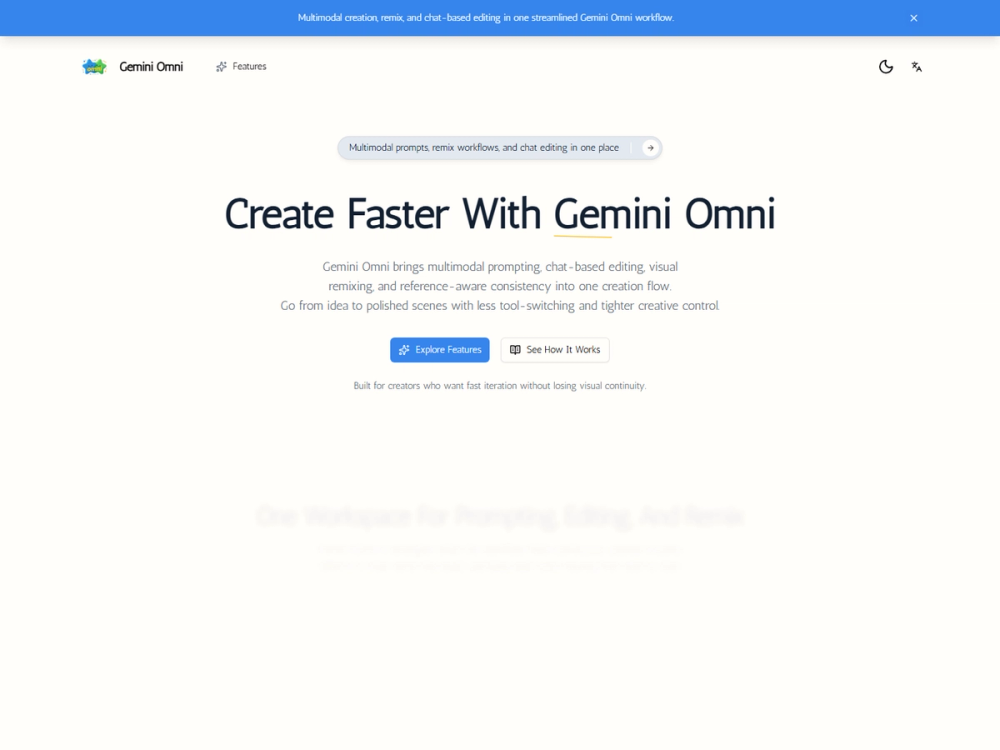
Gemini Omni is a multimodal creation workspace that combines prompting, editing, and remixing in a single interface. It helps video creators and digital artists who struggle with context loss when moving between different AI tools or restarting prompts from scratch. Instead of treating every generation as an isolated event, the platform maintains a continuous thread of creative direction.
The system is built for people who need to produce high volumes of visual content without losing character or style consistency. It works by connecting your initial prompt to a chat-based editing system and a remixing tool. This means you can change a camera angle or a character's expression through a simple conversation rather than rewriting a complex prompt.
Key Features
- Scene prompting that includes specific camera intent and output constraints
- Chat-based iteration to adjust framing or motion through natural dialogue
- Visual remixing that lets you branch out from existing generations
- Reference-aware consistency to keep characters or products looking the same across shots
- Style continuity tools for maintaining branded visual cues
- Workflow-ready prompt systems for repeatable output structures
- Real-time creative review loops for faster feedback cycles
How to Use
- Input your initial scene prompt using a mix of text and visual references
- Generate a base video or image to establish the core visual direction
- Use the chat interface to request specific changes like making the lighting warmer or zooming in
- Select a successful generation and use the remix function to create variations or sequels
- Apply style cues to ensure the new shots match the original reference
Use Cases
- Creating a series of social media clips that feature the same character in different settings
- Developing concept boards for a film where visual style must remain stable
- Producing product advertisements that require multiple camera angles of the same item
- Iterating on explainer video scenes to get the pacing and motion exactly right
Pricing
Check the official website for current pricing.
FAQ
What is Gemini Omni?
It is a workflow tool that integrates prompting, editing, and remixing for multimodal AI creation.
Is Gemini Omni free?
Check the official website for current pricing and trial availability.
Can I use my own images as references?
Yes, the platform allows you to mix visual references with text prompts to shape the output.
Does it support video generation?
Yes, it is specifically optimized for scene prompting and video iteration flows.
How does chat editing work?
You type instructions to modify an existing generation instead of starting over from a blank prompt.
Can I maintain character consistency?
The tool uses reference-aware features to keep key visual elements stable across different outputs.