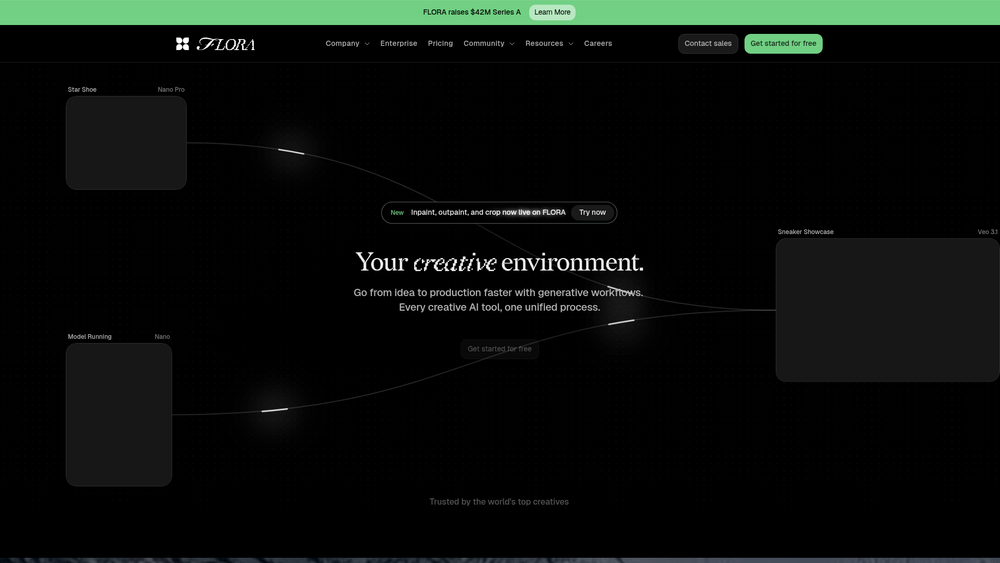
FLORA AI acts as a central hub for creative professionals who find themselves jumping between disparate AI tools. Instead of managing a dozen separate subscriptions, this platform consolidates over 50 specialized models—ranging from high-fidelity image generators to sophisticated audio synthesis engines—into a single, cohesive interface. It is designed to eliminate the friction of fragmented workflows, allowing teams to move from a text prompt to a fully realized multimedia asset without leaving the environment.
For teams scaling their production, the platform provides a layer of consistency that is often lost when using isolated tools. By centralizing the creative process, FLORA AI enables better version control and asset management, ensuring that every piece of AI-generated content adheres to a specific brand identity or project requirement. In practice, this means less time spent on technical troubleshooting and more time focused on the creative vision. That said, the real power lies in its orchestration capabilities, which allow for complex, multi-stage generation tasks.
Key Features
- Multi-Model Orchestration: Seamlessly switch between top-tier models like Stable Diffusion, Whisper, and proprietary LLMs within the same project.
- Scalable Workflow Automation: Build custom pipelines that trigger sequential tasks, such as generating a script and immediately converting it into a voiceover.
- Enterprise-Grade API: Developers can hook into the entire library of models through a single endpoint, simplifying backend integration.
- Collaborative Workspaces: Real-time editing and feedback loops for teams, ensuring everyone stays aligned on brand assets.
- Asset Management System: A centralized library to store, tag, and version-control every AI-generated output for easy retrieval.
- Custom Model Fine-tuning: Upload proprietary datasets to train models specifically on a brand's unique visual or verbal identity.
- Cross-Platform Deployment: Export assets directly to social media managers, CMS platforms, or professional design software.
- Unified Resource Monitoring: Keep track of usage and performance across all integrated models from a single administrative dashboard.
How to Use FLORA AI
- Create an account and set up your team workspace by inviting collaborators and defining specific access permissions.
- Navigate to the Model Library to select the specific AI engines required for your current project goals.
- Use the Workflow Canvas to drag and drop different models into a logical sequence for automated asset production.
- Enter your parameters or prompts into the unified input field to generate initial drafts across multiple media formats.
- Refine the output using the built-in editing tools or by applying secondary AI filters for upscaling and polishing.
- Export your final assets in the desired format or deploy them directly via the integrated API endpoints.
Use Cases
- Marketing Agencies: Rapidly prototyping ad campaigns across video, image, and copy formats to test multiple creative directions simultaneously.
- Game Developers: Generating high-quality textures, character dialogue, and ambient soundscapes in a fraction of the traditional production time.
- Content Creators: Automating the production of social media shorts by turning long-form articles into narrated videos with captions.
- Product Designers: Visualizing concepts and creating realistic mockups for stakeholder presentations without needing manual 3D rendering.
Pricing
Check the official website for pricing.
FAQ
What is FLORA AI?
FLORA AI is a unified generative AI platform that aggregates over 50 different models for text, image, video, and audio creation into a single workflow.
Is FLORA AI free to use?
FLORA AI typically offers a limited trial or a tiered subscription model; check their website for the most current plan details.
Can I integrate FLORA AI into my existing software?
Yes, the platform provides a robust API that allows developers to integrate all 50+ models into their own applications with a single key.
Absolutely, FLORA AI includes shared workspaces where team members can view, edit, and comment on assets in real-time.
What kind of creative assets can I produce?
Users can generate everything from high-resolution images and marketing copy to synthesized voiceovers and short-form video content.
How does FLORA AI handle data privacy?
Worth noting is that FLORA AI offers enterprise-grade security, ensuring that your training data and generated assets remain private to your organization.
Is there a limit to the number of models I can use?
While the platform hosts over 50 models, access may vary based on your subscription tier; however, most professional plans include the full suite.