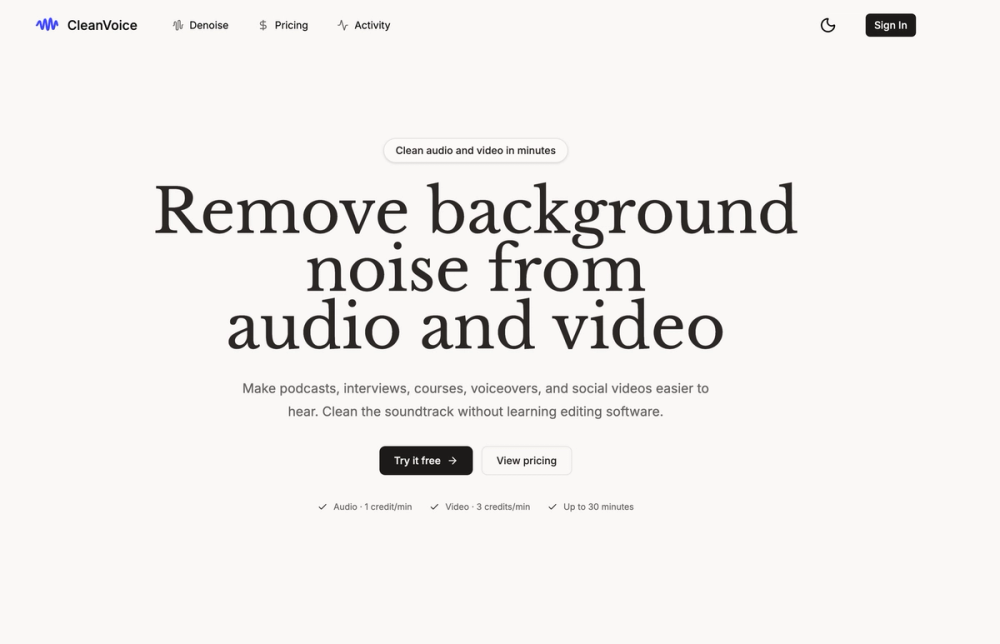
Clean Voice is an AI tool that removes background noise from audio and video files. It targets common recording issues like traffic sounds, wind, air conditioning hum, and microphone hiss without requiring manual editing skills. Podcasters and video creators use this to fix recordings made in non-studio environments.
The tool works by isolating speech and reducing the noise floor while keeping the voice sounding natural. It handles both standalone audio files and video files, where it cleans the soundtrack and returns the processed video. This helps users avoid re-recording sessions when the original environment was too noisy.
Features
- Background noise reduction for traffic, wind, and HVAC sounds
- Support for audio formats including MP3, M4A, WAV, and AAC
- Video processing for MP4, MOV, and WebM files
- Credit-based system where you only pay for successful tasks
- File size support up to 1 GB per upload
- Maximum recording length of 30 minutes by default
- Activity history to track and download previous files
- API integration for developers who want to automate the workflow
How to Use
- Open the Clean Voice website and navigate to the denoise tool.
- Drag your audio or video file into the upload area.
- Wait for the AI to analyze the soundtrack and filter out noise.
- Play the preview to check the output quality.
- Use your credits to process the full file if the preview sounds good.
- Download the cleaned file to your local storage.
Use Cases
- Cleaning up a podcast interview recorded in a noisy cafe
- Removing air conditioning hum from an online course lecture
- Improving the audio quality of a Zoom call recording for social media
- Fixing wind noise on a video clip filmed outdoors on a phone
- Polishing a home-recorded voiceover before adding it to a video project
Pricing
Audio processing costs 1 credit per minute, while video costs 3 credits per minute. Check the official website for current credit pack pricing and subscription options.
FAQ
What is Clean Voice?
It is an automated tool that uses AI to filter out background noise from media files like podcasts and interviews.
Is Clean Voice free?
You can try a short preview for free, but processing longer recordings requires purchasing credits.
Which video formats work?
The tool supports MP4, MOV, and WebM video files for soundtrack cleaning.
Do failed tasks cost money?
No, credits are only deducted if the output is successfully generated and verified.
Can I use it for Zoom calls?
Yes, you can upload your recorded Zoom files to improve the sound quality of the participants.
Is there a file size limit?
By default, the system accepts files up to 1 GB and 30 minutes long per task.